Paying for things is the single biggest stumbling block for visitors to China 💳
After I published my Alipay guide, the most common request I got was: "Can you explain WeChat Pay too?" So here it is.
China's mobile payments are dominated by two apps — Alipay (支付宝) and WeChat Pay (微信支付) — and almost every shop accepts both. If one fails, the other usually works, so having both set up means you'll rarely get stuck.
Let me be upfront, though: WeChat Pay is harder to set up than Alipay. Partway through sign-up, you may be asked to have an existing WeChat user scan a QR code for you — and you can't get past that screen on your own.
I'm 4G (Yongji), a Japanese YouTuber living in Shenzhen. Below I walk through the exact steps I followed: installing WeChat, creating an account, passport verification, linking a foreign card, and paying in real shops 😊
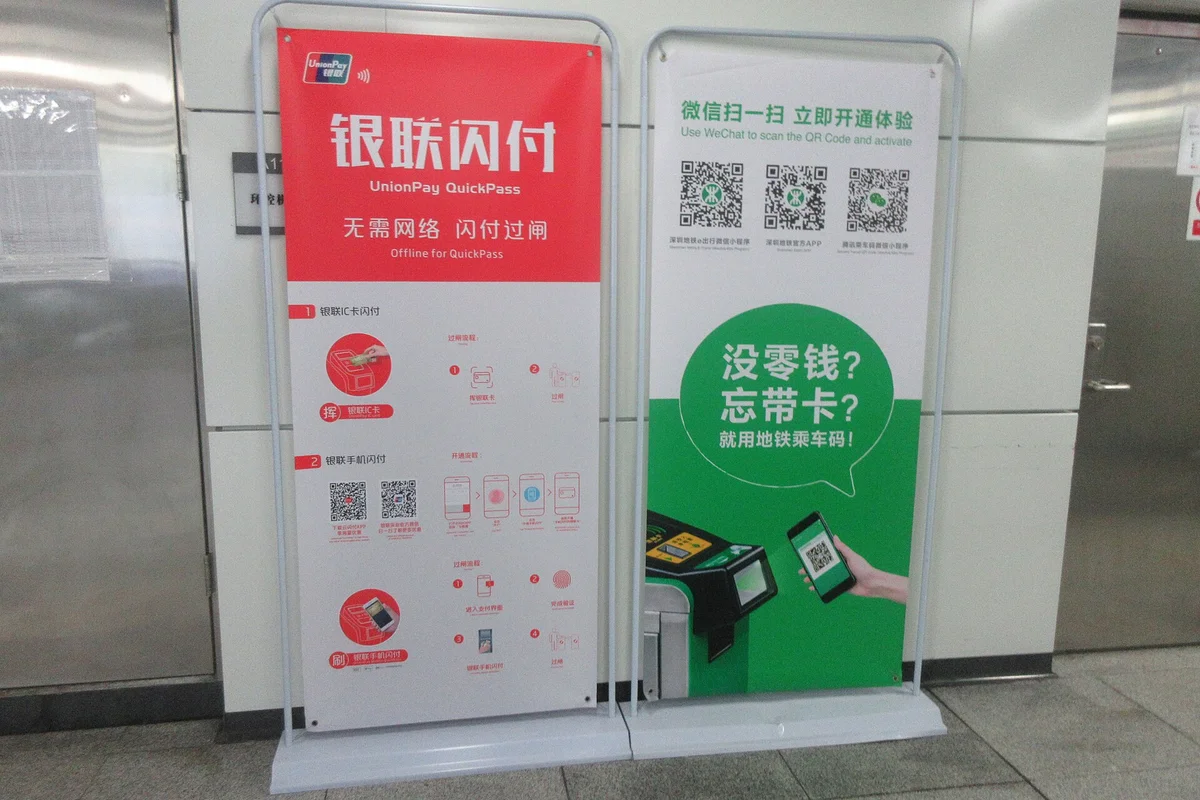
🤔 WeChat Pay or Alipay — which should you set up first?
Start with Alipay. It doesn't have the "get someone else to scan your code" hurdle, so you can finish the whole setup by yourself, link your card and start paying.
Then, if you have time, add WeChat Pay as a backup.
| Alipay (支付宝) | WeChat Pay (微信支付) | |
|---|---|---|
| Can you sign up alone? | ✅ Yes | ❌ May need an existing user to scan a QR code |
| Foreign card supported | ✅ Yes | ✅ Yes |
| ID verification | Passport | Passport |
| Messaging | A minor extra | China's main messaging app — essential for contacting people |
| Accepted at | Almost everywhere | Almost everywhere |
✅ What you need
| You'll need | Notes |
|---|---|
| A smartphone | iPhone or Android |
| Your own mobile number | For the SMS code during sign-up |
| Your passport | For identity verification |
| A credit or debit card | Visa, Mastercard, etc., in your own name |
| Mobile data in China | China SIM, travel eSIM or roaming |
| A friend who already uses WeChat | You may need them to scan a QR code during sign-up |
That last item is unique to WeChat. Before your trip, give a WeChat-using friend or colleague a heads-up that you might ask them to scan a code — it makes things far less stressful if the screen appears.
📲 Step 1: Install WeChat
You can download it at home — and I strongly recommend doing the whole setup before you travel. If something goes wrong after you arrive, China's internet restrictions make troubleshooting much harder.
When the app asks for permissions (notifications and so on), allow them as needed. I allowed everything.
📝 Step 2: Create an account
Tap Sign Up at the bottom right and choose Sign up via mobile number.
Write that password down. You'll need it again if you change phones or get logged out, and getting back into a WeChat account without it is painful.
Security check (picture puzzle)
Next comes a security check. Tap Start and you'll be asked to pick the images that match an instruction — a CAPTCHA. Mine asked me to select pine trees 🌲
⚠️ The big hurdle — a friend has to scan your QR code
This is where most people get stuck.
After the security check, you may see a screen with a QR code and an explanation in English. If it appears, you can't continue on your own: the account is only activated once an existing WeChat user scans that QR code using WeChat's "Scan" feature.
And the person helping you has to meet some conditions. Here's what the screen told me:
| # | Requirements for the person scanning your code |
|---|---|
| 1 | Their WeChat account is at least 6 months old |
| 2 | They activated WeChat Pay at least 3 months ago |
| 3 | They haven't helped anyone else in the past month (one person per month) |
| 4 | Their account hasn't been blocked in the past 6 months |
The third rule is the tricky one: each person can only vouch for one new account a month, so one friend can't help your whole travel group.
Search online and you'll find plenty of travelers in forums asking strangers to scan their code — that's how many people get stuck here. Personally, this one step is the main reason I think Alipay is far easier for visitors 🤔
🪪 Step 3: Verify your identity with your passport
Once your account is active and you're logged in, you need to verify your real name. WeChat Pay won't work without it.
🔓 Step 4: Turn on WeChat Pay
Next, make sure WeChat Pay itself is switched on.
Tap Me at the bottom right. If you see "Services" (sometimes shown as "Pay and Services"), you're already set — skip this step. If not:
Once it's on, "Services" appears on the Me screen. The foundation is in place ✅
💳 Step 5: Link your foreign card
Almost there — now you just add your card.
Don't be put off by the "Add Bank Card" wording — your foreign credit card number works. As soon as you type it, the app shows Visa, Mastercard and so on.
Your foreign card is now linked to WeChat and ready to use in China 🎉
📱 Two ways to pay
As with Alipay, there are two ways to pay. Both start the same way: from the Chats screen, tap the + at the top right.

Option A: Show your code ("Money")
The shop scans your code. This is what you'll use at convenience stores and anywhere with a till.
Option B: Scan the shop's code ("Scan")
You scan the shop's QR code and type in the amount yourself. Common at street stalls and small family-run shops.
"Scan" is useful beyond payments, too. In most Chinese restaurants you scan a QR code on the table to open the menu, order and pay — and that's the same feature. I explain the whole process in How to Order with a QR Code in Chinese Restaurants 🍜
🏙️ Trying it out around town
With everything set up, I went out and tested it in three places.
A lemon tea stand
First, a drinks stand. I opened "Money", held my code up to the scanner, and that was it — done in a few seconds 🍋
A hotpot restaurant (QR ordering + payment)

Next, hotpot. Chinese restaurants usually have a QR code sticker on each table. Scan it with WeChat and the menu opens right on your phone.
I was with my wife, so we ordered a set for two, and I added a bowl of rice because I really wanted some 🍚 (apparently Chinese people don't usually eat rice with hotpot — but I'm Japanese, so rice it is). My wife doesn't like celery or coriander, so I typed that into the notes box.
After confirming the order, I got an "order successful" message and tapped the orange button at the bottom right to pay. It showed 161 yuan charged to my credit card, I tapped "Pay", and confirmed with my fingerprint (some people will enter their payment password instead). Done.
A street stall

Finally, a tiny roadside stall — the kind of place you'd expect to need cash. WeChat Pay worked perfectly.
I scanned the QR code taped to the stall, entered the amount and paid. When I showed the success screen, the owner just nodded 👌
In China, QR payments reach all the way down to street stalls. It's genuinely surprising the first time you see it.
📝 Things to know before you rely on it
① You need an internet connection WeChat Pay doesn't work offline. Sort out mobile data before you go — a China SIM, a travel eSIM or roaming. Also remember that Google, WhatsApp, Instagram and many Western apps are blocked in China; a travel eSIM or roaming from your home carrier is usually the simplest way around that.
② Don't forget your payment password You'll use it to add cards and confirm payments. Lose it and you're stuck.
③ Set it up at home Because of the possible "friend scan" step, don't leave it until the night before your flight. Give yourself a few days.
④ Have Alipay too Some places favor one app over the other. With both Alipay and WeChat Pay ready, you'll almost never be unable to pay.
📌 Summary
Here's the full process for getting WeChat Pay working as a foreigner:
- Install WeChat (you can do it at home)
- Sign up with your own phone number
- [The hurdle] If asked, have an existing user scan your QR code
- Verify your identity with your passport (and set a payment password)
- Turn on WeChat Pay
- Link your foreign card
- Pay with "Money" or "Scan"
The friend-verification step makes it clearly harder than Alipay. But once it works, you can pay anywhere in China — from restaurants to roadside stalls — with just your phone.
Set up Alipay first, then add WeChat Pay. That combination is the strongest payment setup for a China trip 😊
🎬 Watch the video
I demonstrate all of this on my YouTube channel, "4G's China Life" (the video is in Japanese — English subtitles are on the way), including paying at the lemon tea stand, the hotpot restaurant and the street stall.
▶ Watch: How to use WeChat Pay in China as a traveler
📚 Read next
- How to Use Alipay in China as a Foreigner — the other main payment app, and one you can set up entirely by yourself
- How to Order with a QR Code in Chinese Restaurants — "Scan" in action, from opening the menu to paying
- How to Ride the Metro in China — get through the gates with a QR code
- Essential Apps for Traveling in China — the apps to install before you fly
Information current as of October 2026. WeChat changes its app frequently — please check the official app or website for the latest details.
Image credits: Wikimedia Commons — payment banner: SANGTUN GPAILAMS (CC BY-SA 4.0) / smartphone on metro: HOWMKAM Tsez Taosp (CC0) / hotpot restaurant: OA22S 8LOUBK TCHrpAQU (CC0) / street stall: MiaMOOA Mukazz (CC0)