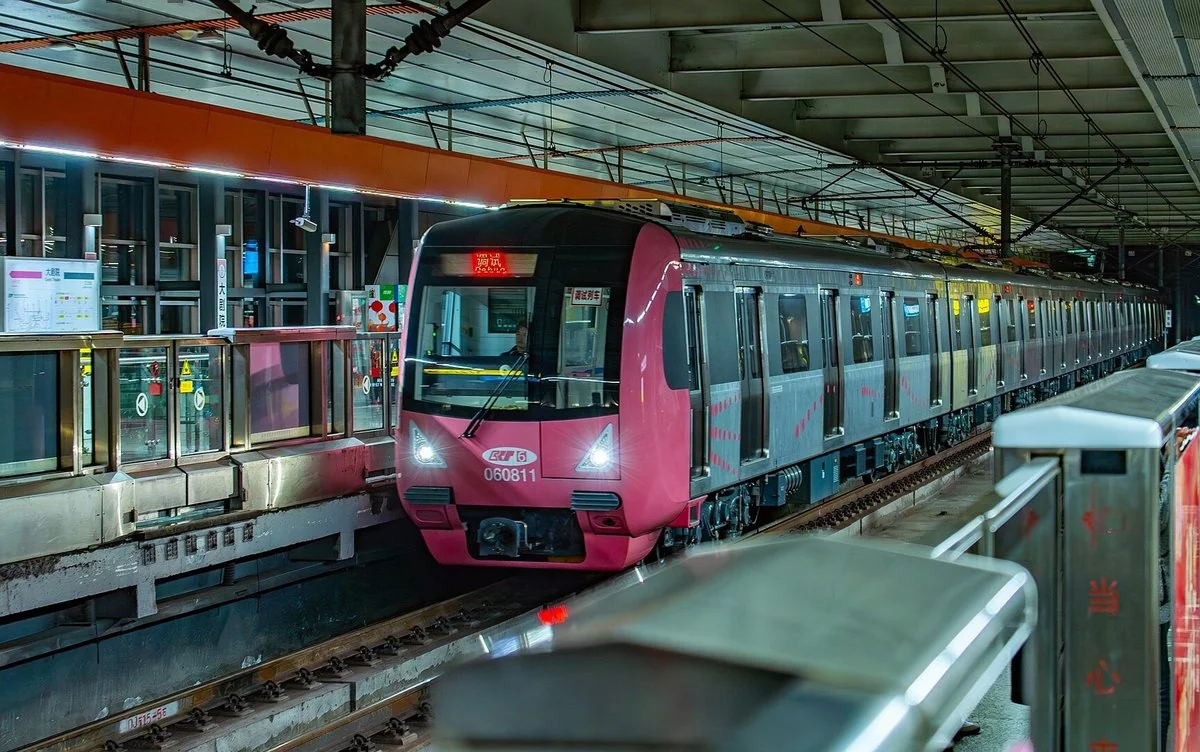
On a trip to China, the transport you'll use most is almost certainly the metro 🚇
It's cheap (fares start at 2–3 yuan, well under half a US dollar), fast, immune to traffic jams, and it reaches nearly every major sight. I live in Shenzhen, and the metro is the first thing I think of for getting around town.
Still, the first ride can feel intimidating. The ticket machines look Chinese-only, the gates work differently from what you're used to, and you might not even know how to pay.
Right now there are three ways to ride the metro in China:
| Method | Difficulty | Recommendation |
|---|---|---|
| 📱 Alipay's metro QR code | Easy | ⭐ My top pick |
| 💳 Tap your Visa / Mastercard | Easy | ⭐ Rolled out widely in 2025–2026 |
| 💵 Buy a ticket from a machine | Moderate | Your backup if the first two fail |
Based on my own rides on the Shanghai and Shenzhen metros, this guide covers all three. By the end, you should be able to walk through the gates in any Chinese city without hesitating 😊
🧳 First stop: the security check
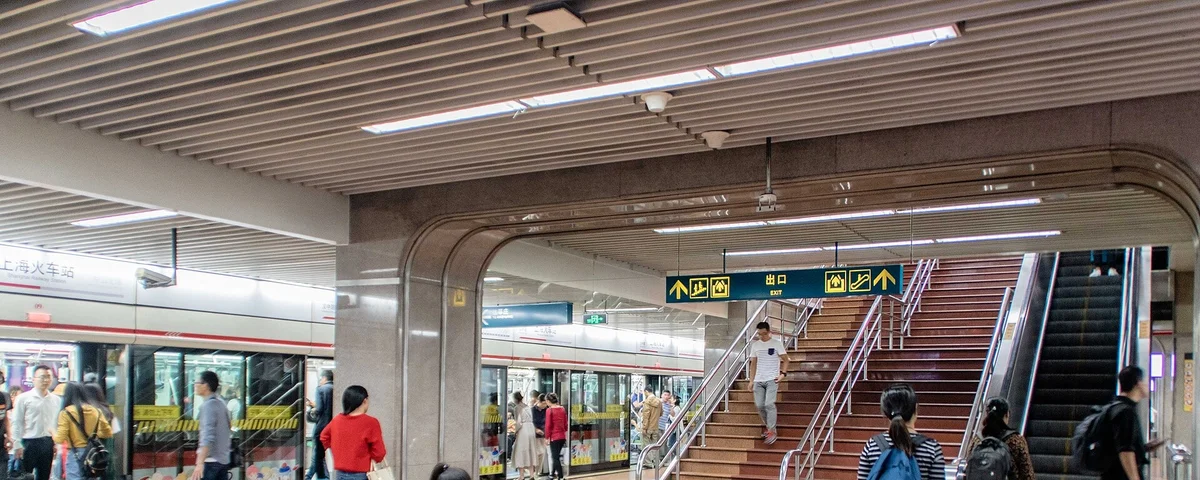
Before we get to tickets, one thing that surprises nearly every visitor.
Every metro station in China has a bag check before the gates. In Shanghai, Shenzhen and everywhere else, you'll find an X-ray machine near the entrance — put your bag on the belt and walk through.
It's standard across the whole country, and once you're used to it, it takes about ten seconds. If you're carrying a drink, staff may ask you to take a sip to show it's harmless.
💡 The order is: security check → gates → platform. At rush hour there can be a queue at security, so give yourself a few extra minutes ⏰
📱 Method 1: Alipay's metro QR code — my top pick
My favorite method: generate a metro QR code inside Alipay and scan it at the gate.
No tickets, no machines. The fare is calculated automatically when you exit and charged to the card you've linked to Alipay. You never have to stand at a ticket machine — for visitors, that's hard to beat.
Before you start: link a card to Alipay
You'll need Alipay set up with a foreign credit or debit card first. Foreigners can now link a Visa or Mastercard and pay with Alipay just like locals.
💡 I explain sign-up and card linking step by step, with screenshots, in How to Use Alipay in China as a Foreigner.
Getting your metro QR code
Here's the flow from opening Alipay to walking through the gate. (Some of these menu names stay in Chinese even when the app is set to English, so I've included the characters to look for.)
After the first time, just open 出行 → 地铁 and the code is there.
Scanning at the gate
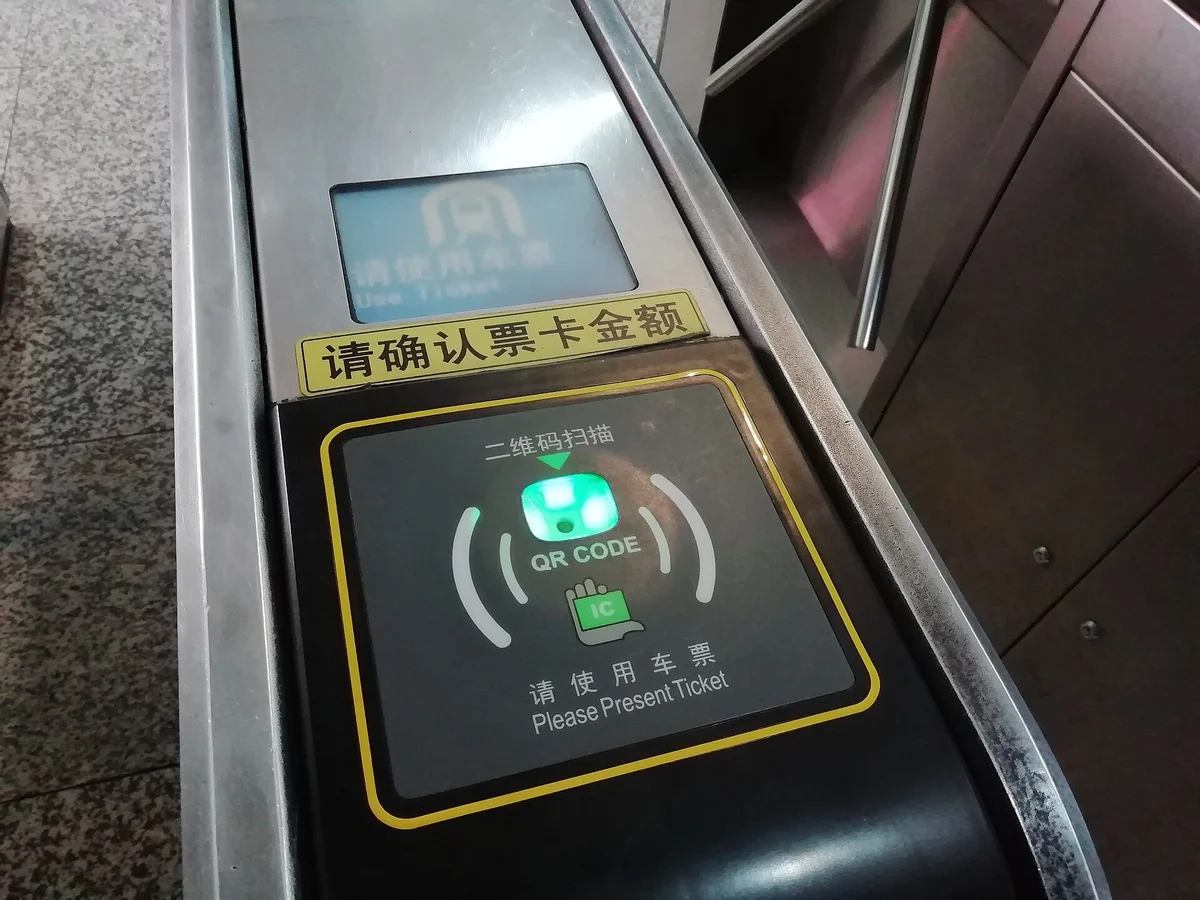
Each gate has a reader marked "二维码扫描 / QR CODE". Hold your phone screen over it.
My ride in Shenzhen cost 3 yuan. Cheap!
💡 The QR code refreshes every few seconds. Don't bother taking a screenshot — it won't work. Just open the screen at the gate and a fresh code appears each time.
⚠️ It doesn't work in every city
I want to be honest about this one.
In some cities, Alipay's metro QR code doesn't work for foreigners. Chinese users with a national ID card can use it nationwide, but those of us registered with a passport can find that some cities don't support our accounts.
Cities where I've personally used it without any problems: Shanghai, Guangzhou, Shenzhen and Chongqing. You can rely on it in those four.
Heading somewhere else? If the QR code doesn't work, just tap your card or buy a ticket instead — see methods 2 and 3.
💳 Method 2: Tap your Visa or Mastercard — the big change of 2025–2026
This is the biggest change of the past year or two.
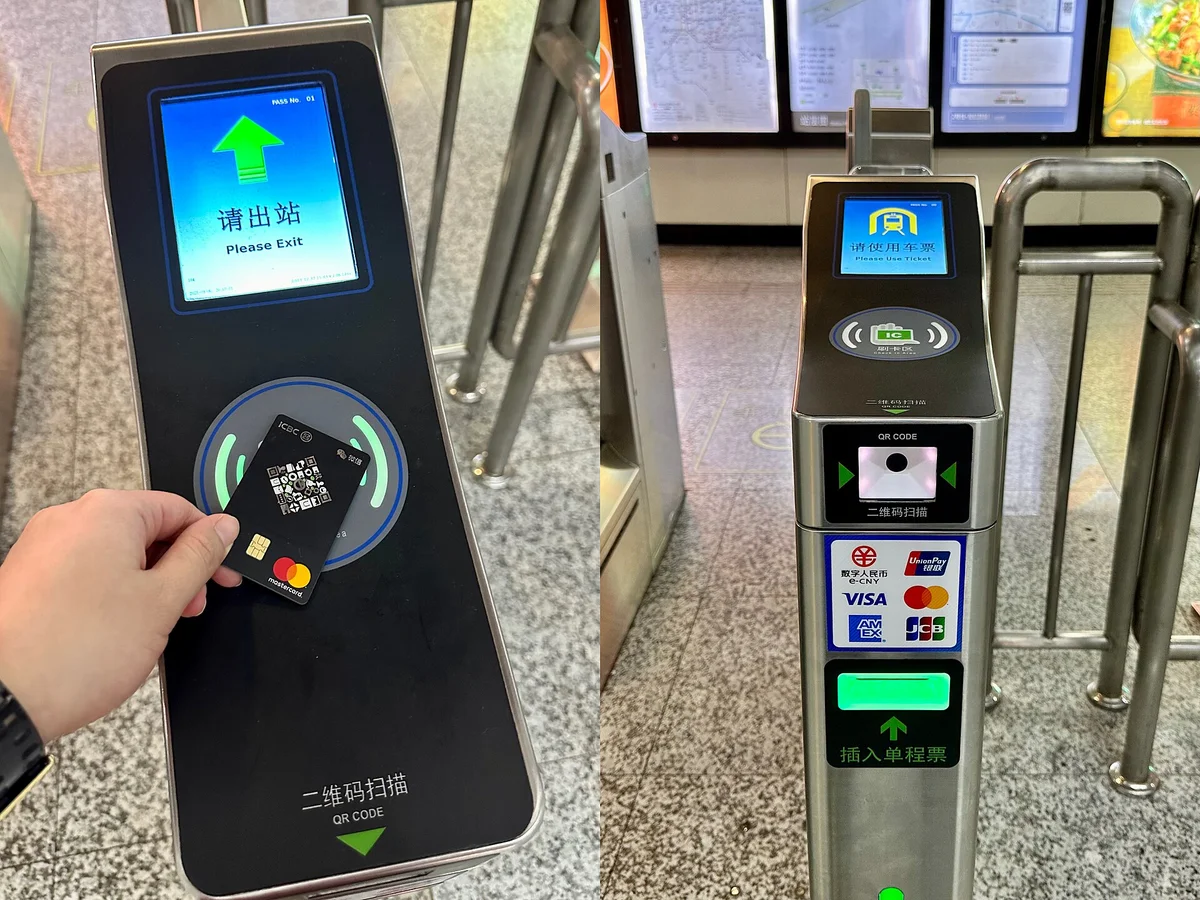
It used to be "Alipay or nothing" on China's metros. Now, in a growing list of cities you can simply tap the contactless card you already use at home — no app, no setup.
Which cities and cards work
Here's where the major cities stand:
| City | Launched | Status |
|---|---|---|
| 🇨🇳 Beijing | Sept 2024 | Whole network (29 lines / 523 stations, plus the S2 line, as of June 2025). Since June 2025 it accepts all five major brands — UnionPay, Visa, Mastercard, American Express and JCB — which Beijing says made it the first metro in the world to do so |
| 🇨🇳 Shanghai | June 2025 | 21 lines / 517 stations — the whole network |
| 🇨🇳 Chengdu | July 28, 2025 | All stations. UnionPay, Visa, Mastercard and American Express |
| 🇨🇳 Guangzhou | Oct 2025 | All lines |
| 🇨🇳 Shenzhen | June 30, 2026 | Trial across all 17 lines / 432 stations; the city says every gate will accept foreign cards by the end of 2026, so for now look for the card logos on the gate |
Supported brands are generally Visa, Mastercard, American Express, JCB and UnionPay (exact coverage varies by city), so most travelers' cards are covered. (Sources: Beijing / Shanghai / Shenzhen) Your card needs contactless payment switched on, and some banks require small no-PIN payments to be enabled.
📈 More cities are joining all the time. It started in Beijing in September 2024 and reached all five of these major cities in under two years. Even in a city not listed here, if the gate shows "Tap to Ride" or Visa/Mastercard logos, you can use it. Checking the gate itself is the most reliable test 👀
Hong Kong's MTR also accepts contactless Visa and Mastercard.
You can also tap a card stored in Apple Pay or Google Pay — just hold your phone to the reader.
How to use it
💡 "I was charged 20 yuan!" — don't worry, it comes back
This is the thing I most want you to know.
When you tap in with a card, you may see an unfamiliar charge of roughly 10–20 yuan on your banking app. In Shanghai, many people report a 15-yuan hold.
"Wait, isn't the metro 2–3 yuan? Did I just get scammed?" — No. It isn't a real charge.
It's a pre-authorization hold:
In other words, you only ever pay the actual fare. Depending on your bank, the hold may take a few days to disappear from your statement, but you won't be charged twice.
⚠️ If your card doesn't have enough available balance or credit, the gate won't open. If you're using a debit or prepaid card, keep a little extra money on it.
Tips for tapping in
- 🔁 Use the same card to enter and exit — a different card won't let you out
- 👤 One card, one person — you can't tap once for your whole family. Everyone needs their own card or a ticket
- 🚪 If you forget to tap out, you may be charged the maximum fare. Always tap when you leave
- ❌ Sometimes it just won't read — people have reported errors even in Beijing. If that happens, switch calmly to Alipay's QR code or the ticket machine
🎫 Method 3: Buy a ticket from a machine — cash or mobile payment
No phone or card that works? Prefer a paper ticket? The trusty ticket machine is always there.
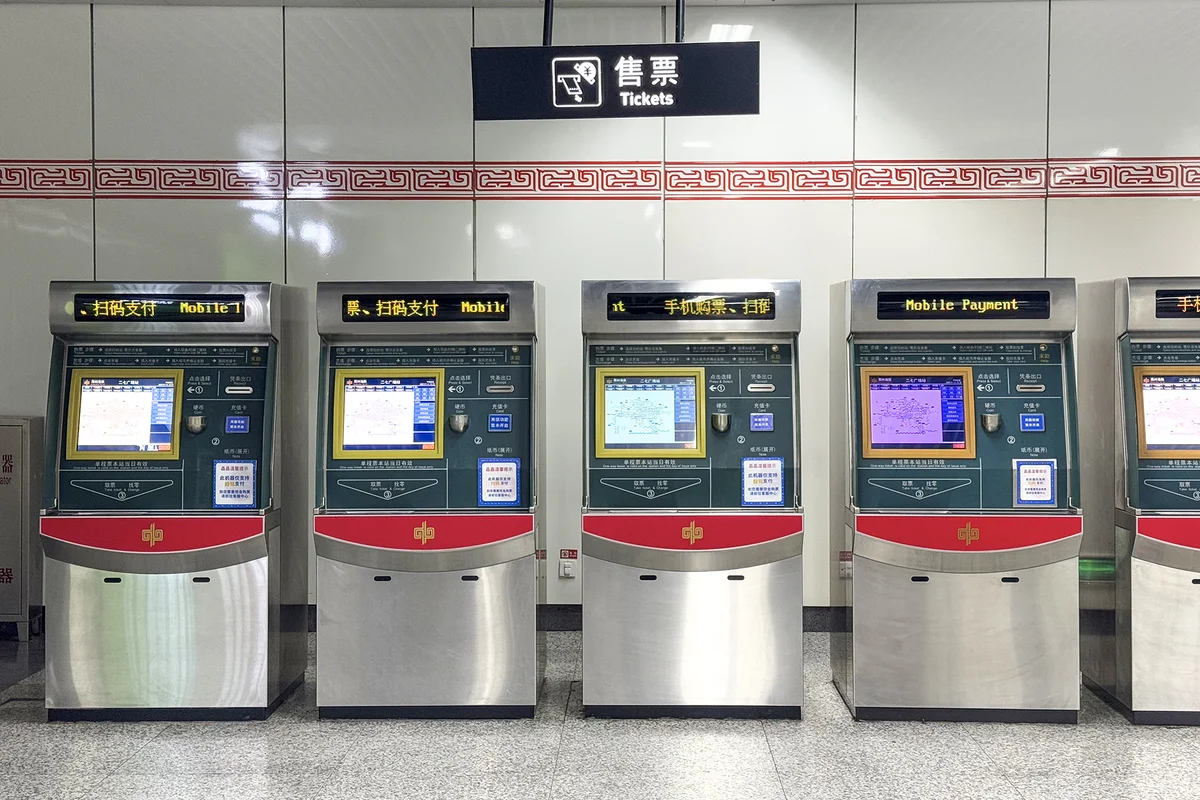
Look for machines labeled "售票" / "自动售票" (Tickets / Automatic Ticketing). Most have an English option on the screen.
Which notes and coins are accepted
Each machine shows which notes and coins it takes. The one I used in Shanghai accepted:
- 💵 Notes: 5, 10, 20 and 50 yuan
- 🪙 Coins: 5 jiao (0.5 yuan) and 1 yuan
Large notes like 100 yuan often aren't accepted, so carry a few small notes once you arrive.
Machines take mobile payments too
In Shenzhen I noticed the machines also let you buy a ticket with mobile payment, not just cash. Press the right button on screen and you can pay with WeChat Pay or Alipay. The ticket machine is the backup that works for everyone.
⚠️ With a ticket, entering and exiting work differently
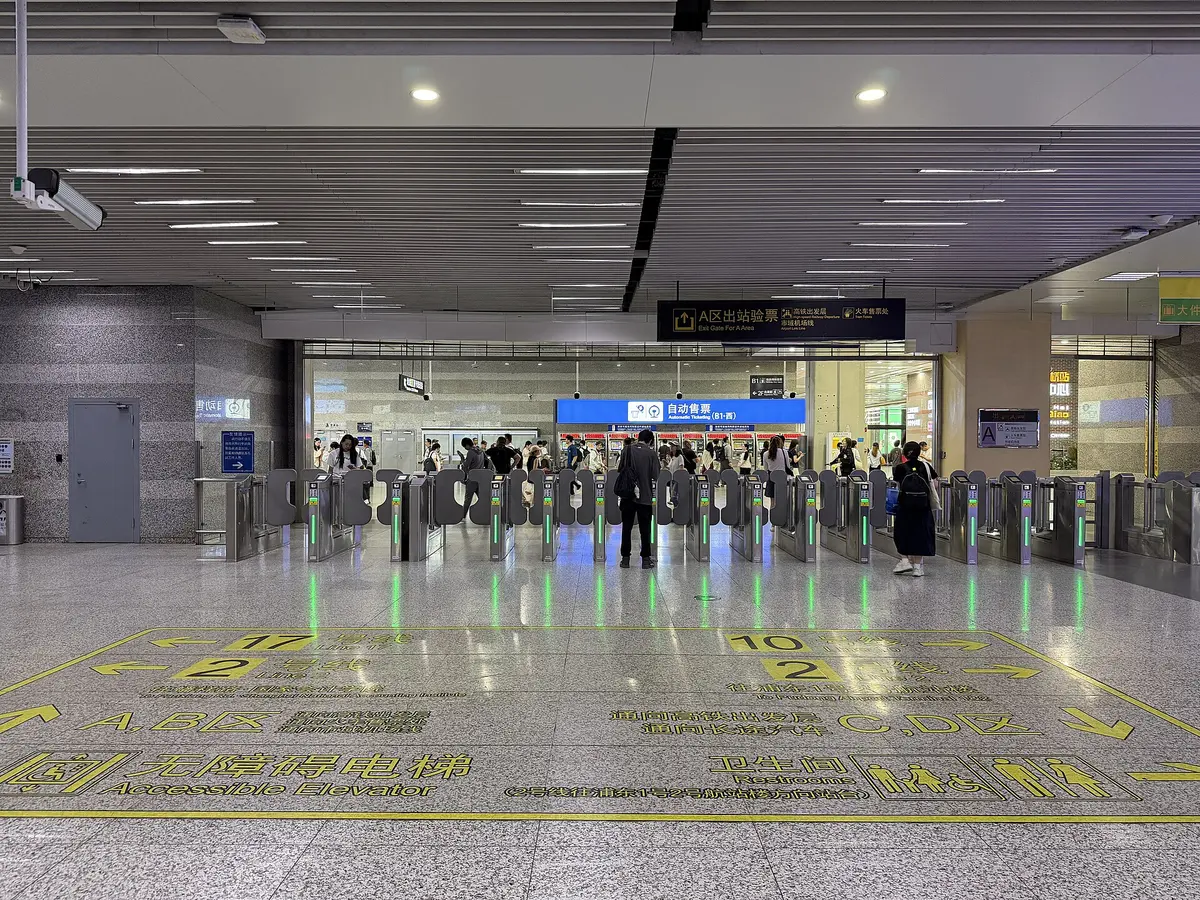
This catches almost everyone at the exit — it caught me in Shanghai.
Tap to enter, insert to exit. Remember that and you won't freeze at the gate 😊
🤔 So which should you use?
| Alipay QR | Contactless card | Ticket machine | |
|---|---|---|---|
| Setup | Card linked to Alipay | None | None |
| Cities | Confirmed: Shanghai, Guangzhou, Shenzhen, Chongqing | Beijing, Shanghai, Chengdu, Guangzhou, Shenzhen (and growing) | Everywhere |
| Groups | One account per person | One card per person | Buy several at once |
| To exit | Scan the QR code | Tap the same card | Insert the ticket |
My recommendation: set up Alipay, and try tapping your card too.
You'll use Alipay for nearly everything on your trip — restaurants, convenience stores, ride-hailing — so it's worth having anyway. In cities that support contactless cards, tapping is even quicker.
And if both fail, the ticket machine is your safety net. With all three options, you won't get stuck in any Chinese city 👍
📌 Summary
- 🧳 Security check first — standard nationwide; allow a few extra minutes
- 📱 Alipay's QR code is the easiest — 出行 → check the city → 地铁 → activate
- ✅ Confirmed working for foreigners in Shanghai, Guangzhou, Shenzhen and Chongqing; some cities don't support it, so have a backup
- 💳 Contactless cards work in Beijing, Shanghai, Chengdu, Guangzhou and Shenzhen — Visa, Mastercard and more, plus Apple Pay. More cities keep joining
- 💰 A 15–20 yuan hold when you tap in is normal — it's replaced by the actual fare after you exit
- 🎫 Ticket machines take cash and mobile payments — tap to enter, insert to exit
With fares from 2–3 yuan, the metro is a traveler's best friend in China. Keep this guide handy and give it a go.
Have a great trip 🇨🇳
🎬 Watch the videos
I cover this in more detail on my YouTube channel, "4G's China Life" (the videos are in Japanese — English subtitles are on the way).

▶ Watch: How to ride the metro in China (Shenzhen)
And here's the Shanghai version:
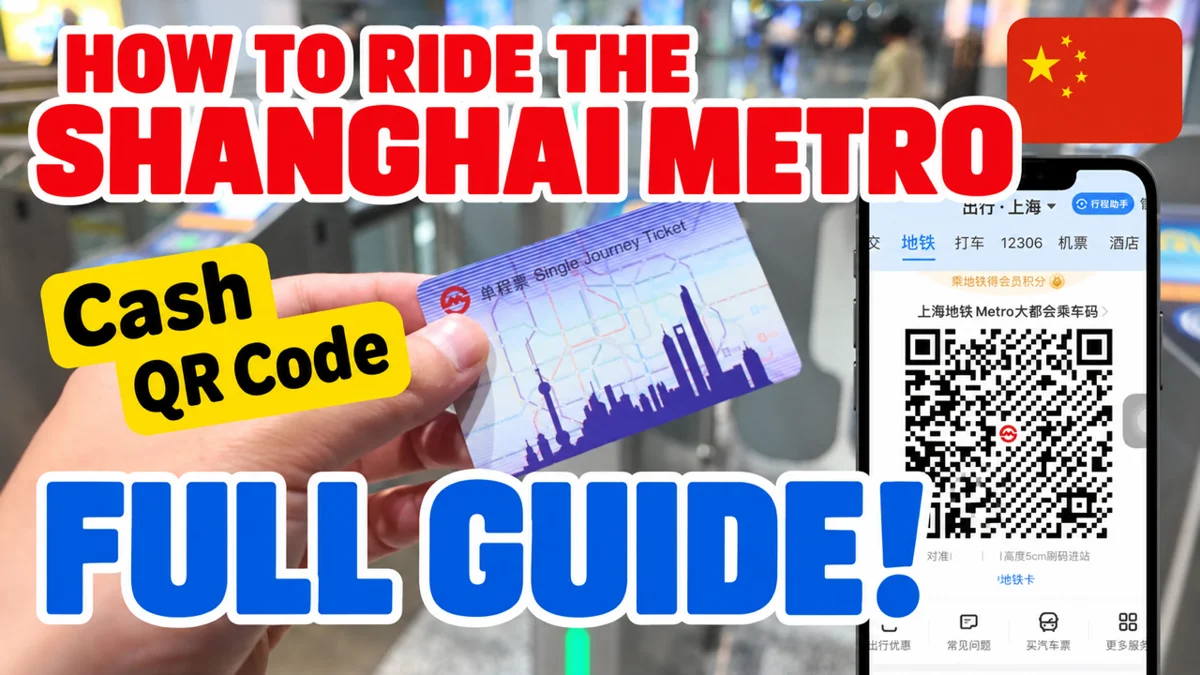
▶ Watch: How to ride the Shanghai Metro — cash or Alipay QR code
📚 Read next
- How to Use Alipay in China as a Foreigner — the setup you need for QR-code metro rides
- How to Use DiDi in China — for places the metro doesn't reach, or when you have heavy luggage
- How to Book China's High-Speed Trains on Trip.com — the best way to travel between cities
- How to Set Up WeChat Pay as a Foreigner — your second payment app, for when Alipay doesn't work
Information current as of October 2026. Metro payment options change quickly — check the gate and the official metro website before you travel.
Image credits: Wikimedia Commons — cover (Chongqing Rail Transit Line 6): 珠城铁路迷 (CC BY 4.0) / Shanghai Railway Station platform: SCJiang (CC BY-SA 4.0) / ticket machine: Windmemories (CC BY-SA 4.0) / Shanghai Hongqiao gates: Kmchang28 (CC BY-SA 4.0) / QR code reader: Shwangtianyuan (CC BY-SA 4.0) / tap to ride: Painjet (CC BY-SA 4.0)