"I connected to the hotel Wi-Fi and suddenly WhatsApp stopped working…"
That's the SOS message I get most often from friends visiting China 📱
Hotels and cafés in China have Wi-Fi just like anywhere else — and it's almost always free. But there are a few China-specific traps: "it's connected but nothing works" and "I can't even connect".
I'm 4G (Yongji), a Japanese YouTuber living in Shenzhen. Between working from cafés and staying in hotels on trips, I've spent a lot of time with Chinese Wi-Fi. In this article I'll cover what Wi-Fi in hotels, cafés and airports is really like, where travelers get stuck, and what to do about it.
The short version: treat Wi-Fi in China as "for Chinese apps" 😊
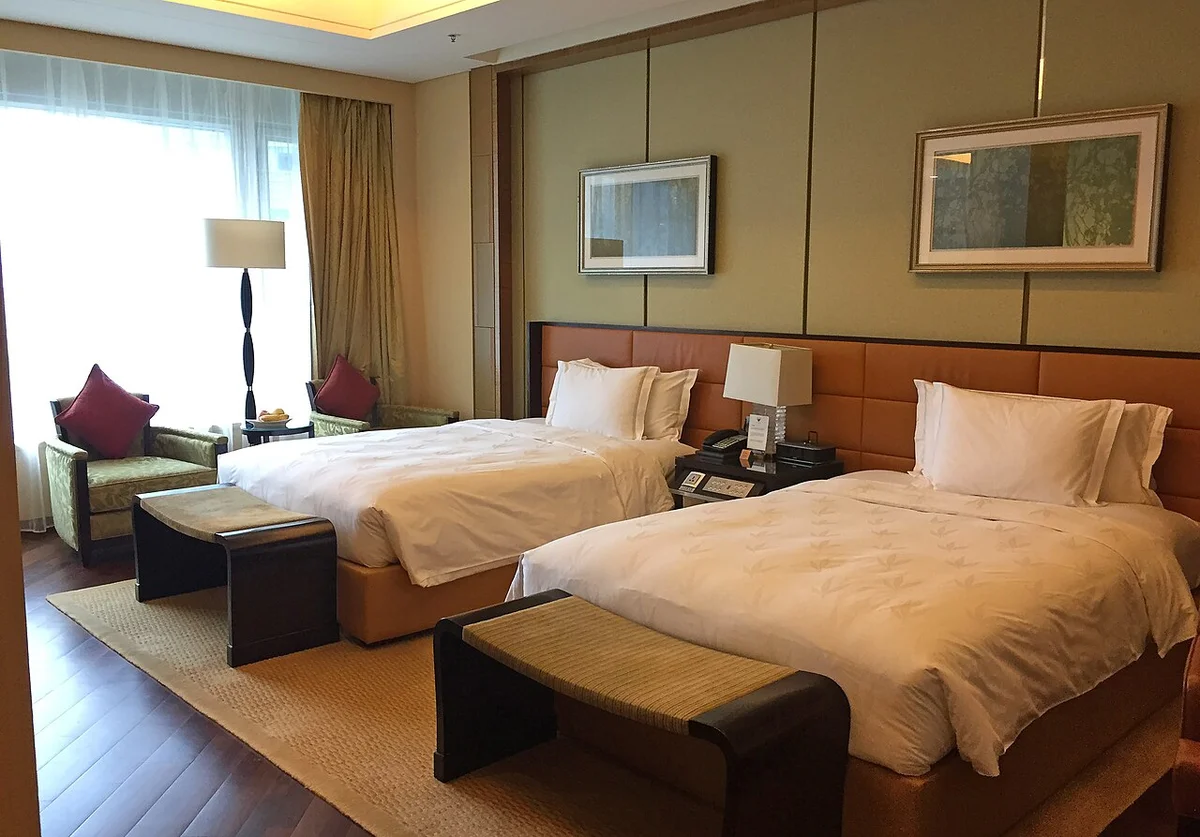
🚦 The key point — Wi-Fi in China is inside the restrictions
Let's start with the most important thing.
Wi-Fi in Chinese hotels, cafés and airports all runs on Chinese domestic connections. That means it's fully subject to the internet restrictions known as the "Great Firewall".
| Service | Works on Chinese Wi-Fi? |
|---|---|
| 💬 WhatsApp, Telegram, Messenger | ❌ No |
| 🔍 Google Search, Gmail, Google Maps | ❌ No |
| 📷 Instagram, X, Facebook | ❌ No |
| ▶️ YouTube | ❌ No |
| 💳 Alipay, WeChat (微信) | ⭕️ Yes |
| 🗺️ Amap, Dianping, DiDi | ⭕️ Yes |
| 🌐 Other foreign websites | △ Some open (often slowly); many major Western news sites are blocked |
😱 The common trap — Wi-Fi switches off your eSIM's or roaming's unrestricted access
Many travelers use their home carrier's roaming or a travel eSIM. Because that data goes out via your home country or Hong Kong, WhatsApp and Google usually work even in China (I explain this in China SIM vs eSIM vs Roaming).
But here's the big trap.
Your phone prefers Wi-Fi over mobile data whenever Wi-Fi is available. So the moment you walk into your hotel room and your phone auto-connects to the Wi-Fi, your data switches to the Chinese domestic network — and the unrestricted access from your eSIM or roaming stops working.
- 🛬 You land at the airport → WhatsApp works on roaming
- 🏨 You check in and connect to the hotel Wi-Fi → WhatsApp stops
- 🤔 You assume the hotel's internet is bad
I see this exact sequence all the time.
Note that the iPhone's "Wi-Fi Assist" (and similar Android features) switches to mobile data when the Wi-Fi signal is weak. It doesn't kick in when the Wi-Fi is strong but blocked, so you have to turn Wi-Fi off yourself.
🏨 Hotel Wi-Fi
Free Wi-Fi is practically standard
From budget business hotels to international luxury chains, almost every hotel in China has free Wi-Fi. Speeds are fine for domestic traffic — streaming Chinese video is no problem.
Three common ways to connect
| Type | How to connect |
|---|---|
| 🔑 Password | Printed on a card from the front desk, on a notice in the room, or on the key card sleeve |
| 🌐 Login page | A login page opens in your browser after connecting. Enter things like your room number + your name (as in your passport) |
| 📩 SMS verification | Enter a mobile number and type in the code sent by SMS. Sometimes only Chinese numbers are accepted |
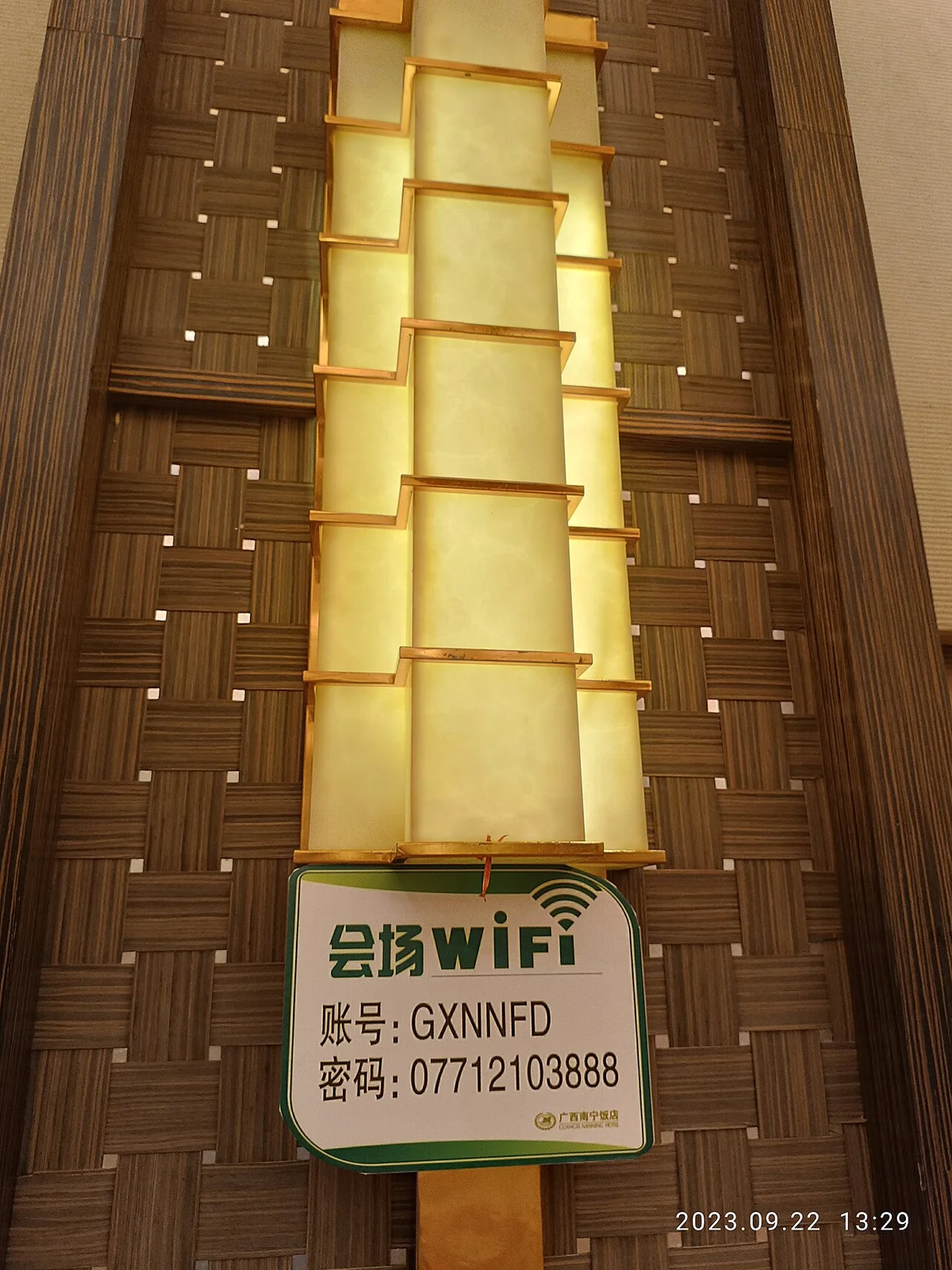
In Chinese, the network name is written as "账号" (zhànghào) or "名称", and the password as "密码" (mìmǎ). Knowing just these two words makes it much easier to spot the notice or card.
Connecting to hotel Wi-Fi
I explain choosing a hotel, booking and check-in in Can Foreigners Stay in Any Hotel in China?.
☕ Café Wi-Fi
Starbucks — Wi-Fi, but with an SMS hurdle
There are lots of Starbucks branches in Chinese cities — in Shenzhen you'll find one in almost every mall. The seating is spacious and great for working.
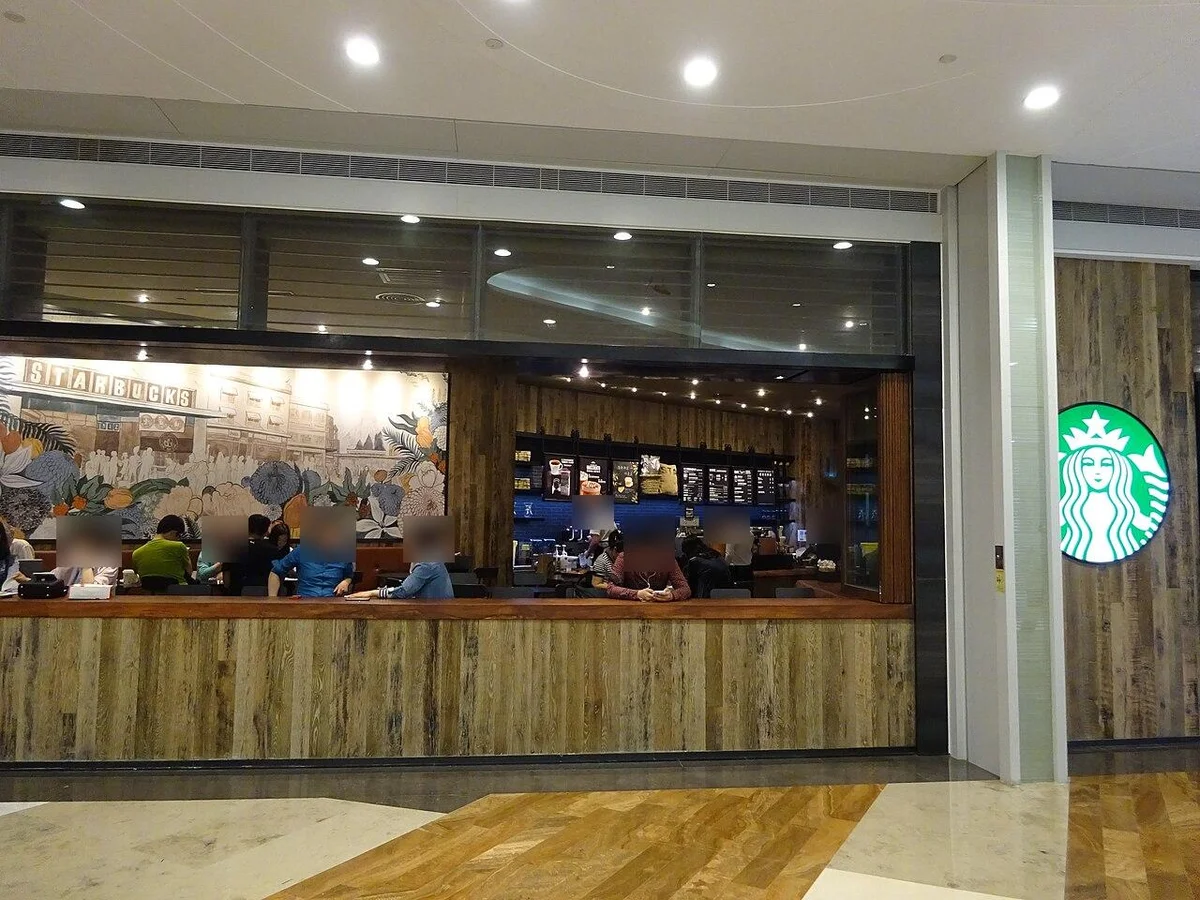
But Starbucks Wi-Fi in China usually asks for a mobile number after you connect and sends a verification code by SMS. That's because public Wi-Fi in China requires "real-name verification" — you'll see the same at McDonald's, KFC and other chains, and in shopping malls.
Some login pages accept foreign numbers, but often the SMS never arrives or you can't select your country code — this is where travelers get stuck.
Luckin Coffee and other local chains
China's biggest coffee chain by number of stores is Luckin Coffee (瑞幸). But most Luckin stores are small pick-up points where you order in the app or mini-program — many have hardly any seats, let alone Wi-Fi.
If you want to work or use Wi-Fi, Starbucks or an independent café with plenty of seating is the safer choice. Independent cafés often have the password stuck by the counter or on the wall, or printed on your receipt.
Chinese to ask the staff
If you can't find the password, just ask:
| English | Chinese | Pinyin |
|---|---|---|
| What's the Wi-Fi password? | 请问Wi-Fi密码是多少? | qǐngwèn Wi-Fi mìmǎ shì duōshǎo? |
| I can't connect to the Wi-Fi | Wi-Fi连不上 | Wi-Fi lián bú shàng |
| I don't have a Chinese phone number | 我没有中国的手机号 | wǒ méiyǒu Zhōngguó de shǒujīhào |
In China, "Wi-Fi" is pronounced "wai-fai", and people will understand you. If you're not confident, just show this table on your phone. You'll find more useful phrases in 30 Chinese Phrases That Actually Work in China.
✈️ Wi-Fi at airports, stations and public places
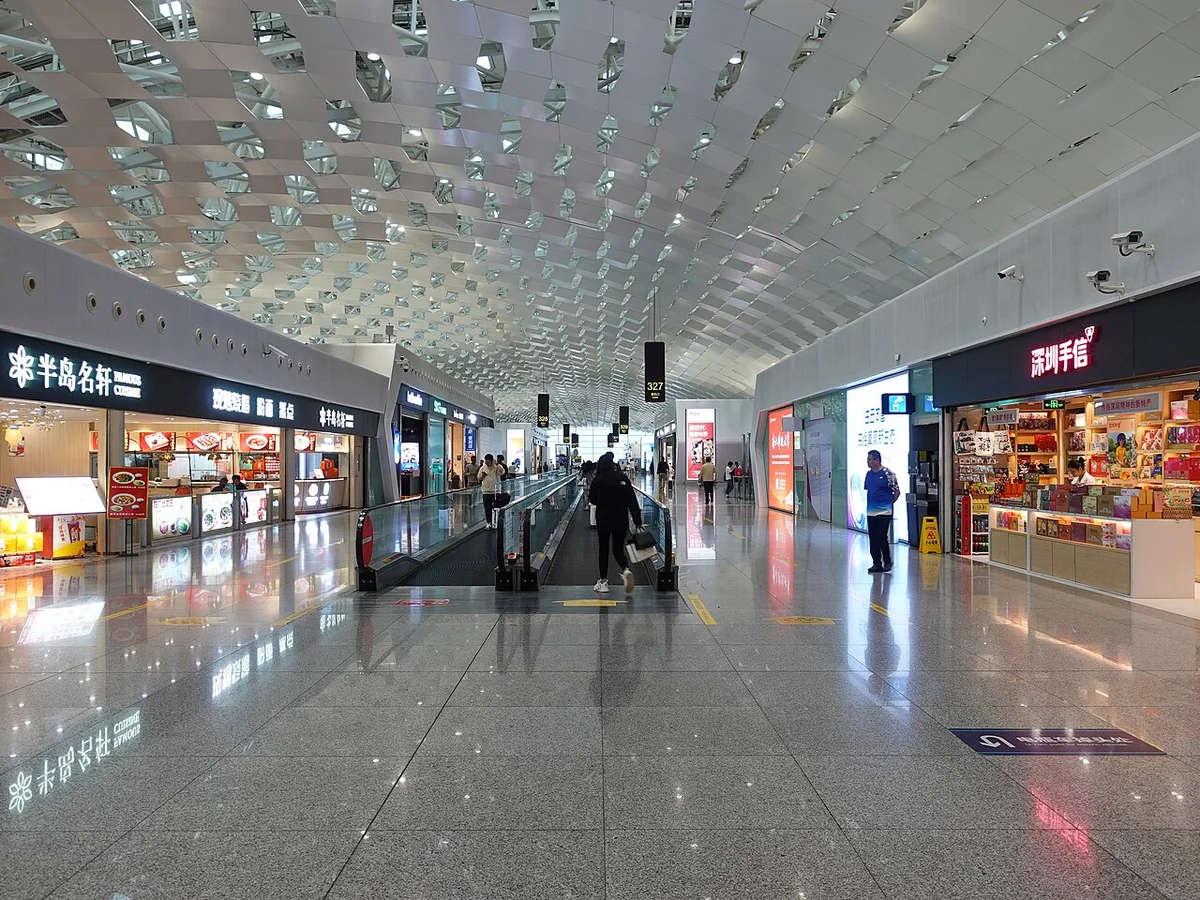
Airports, high-speed rail stations and tourist sites also have free Wi-Fi — but here too, SMS verification is the norm.
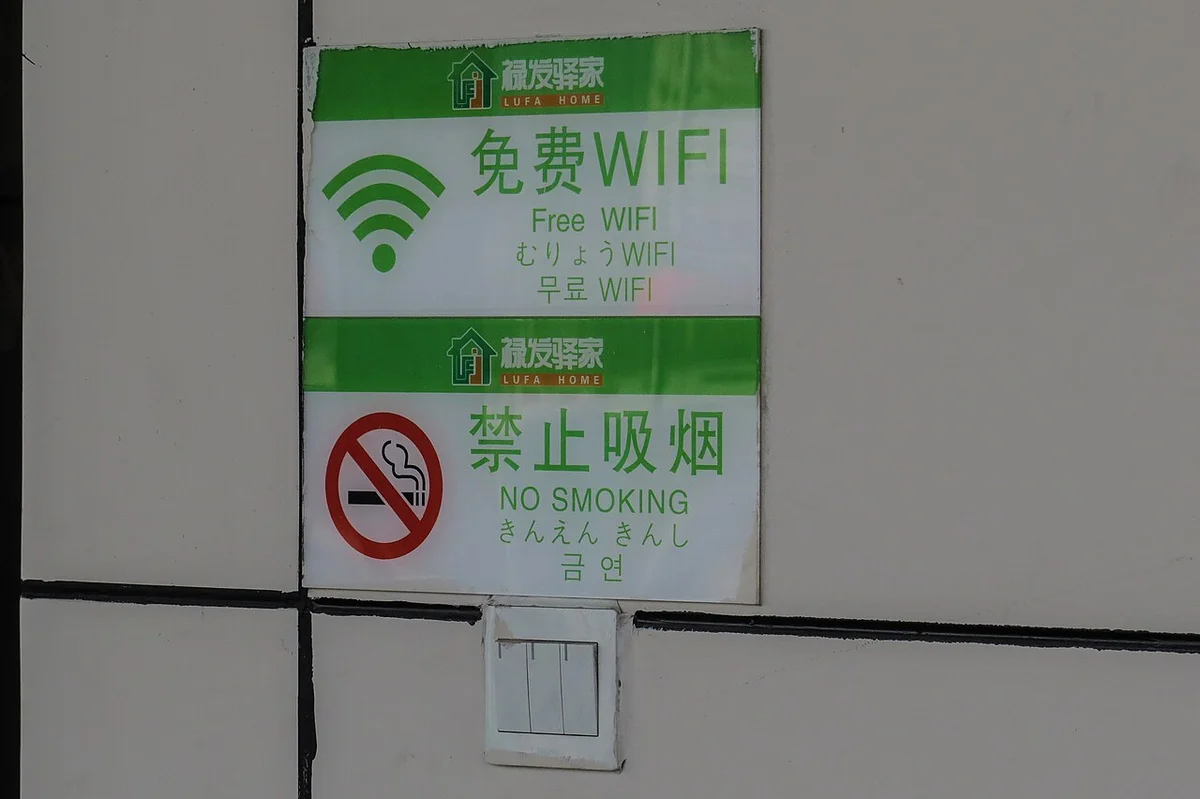
Some airports have machines that scan your passport and issue a Wi-Fi code, but not every airport has them, and finding one takes time.
🔐 Security tips
This isn't unique to China, but here are the basics for public Wi-Fi:
- 📶 Don't casually join password-free "FREE" networks — there's always a chance it's a fake access point imitating a shop's name
- 🔒 Do online banking and enter card details on mobile data — better avoided on public Wi-Fi
- 🔁 Turn off "auto-join" — if your phone reconnects to Wi-Fi on its own, the "WhatsApp suddenly stops" problem happens more often
🎯 The bottom line — when to use Wi-Fi vs mobile data
Put together, dealing with Wi-Fi in China is simple:
| What you want to do | Which connection |
|---|---|
| 💬 Use WhatsApp, Google, Instagram | 📶 Mobile data (roaming / unrestricted eSIM), with Wi-Fi off |
| 💳 Alipay, WeChat, Amap, Dianping | 🏨 Wi-Fi or mobile — either is fine |
| 🎬 Chinese video apps, big downloads | 🏨 Wi-Fi (saves your data allowance) |
| 💻 Work on your laptop | 📱 Tether from your phone to share your unrestricted connection |
If you really want to use WhatsApp or Google on Wi-Fi, you'll need a VPN. See How to Use Google, WhatsApp and Instagram in China for how VPNs work in China and what to do when they struggle to connect.
❓ FAQ
Q. Does WeChat work on hotel Wi-Fi? A. Yes. WeChat and Alipay are Chinese services, so they work fine on Chinese Wi-Fi. If you want a reliable way to keep in touch with family and friends, it can help to connect with them on WeChat before you travel.
Q. Once I'm on Wi-Fi, can I not open any foreign websites? A. Not all of them are blocked. Plenty of foreign sites still open, though international traffic tends to be slow, and sites that rely on Google services may partly fail to load. Many major social networks and news sites are blocked.
Q. Can I use a VPN on hotel Wi-Fi? A. Generally yes, but VPNs can be less stable on hotel or café Wi-Fi than on mobile data. If it won't connect, try turning off Wi-Fi and using mobile data.
Q. I entered my phone number for SMS verification, but the code never came. A. Very common. Some pages don't let you choose your country code, and some systems simply don't send SMS to foreign numbers. Rather than keep trying, switch to mobile data or ask the staff / front desk — it's quicker.
✅ Summary
- 🚦 Hotel and café Wi-Fi in China is inside the restrictions. WhatsApp, Google and Instagram won't work
- 😱 Joining Wi-Fi switches off your eSIM's or roaming's unrestricted access. If WhatsApp stops, turn Wi-Fi off first
- 🏨 Free hotel Wi-Fi is standard. Look for the password at the front desk or on the key card sleeve
- ☕ Starbucks and public places mostly use SMS verification, which may need a Chinese number
- ✈️ Don't rely on airport Wi-Fi. Set up your mobile data before you leave
- 🎯 Chinese apps on Wi-Fi, your usual apps on mobile data — that's the easiest rule
Wi-Fi in China is nothing to fear once you understand how it works. Knowing why "it's connected but doesn't work" means you won't panic on the ground.
Enjoy your trip to China with a smooth connection 😊
📚 Read next
- 📶 China SIM vs eSIM vs Roaming — how to get a connection that doesn't depend on Wi-Fi
- 🛡️ How to Use Google, WhatsApp and Instagram in China — VPN Guide — for when you want your usual apps on Wi-Fi too
- 🏨 Can Foreigners Stay in Any Hotel in China? — from choosing a hotel to checking in
- 🎒 6 Things You Must Know Before Traveling to China — internet restrictions, payments, toilets, plugs and more
Information current as of October 2026.
Image credits: Wikimedia Commons — hotel room in Shenzhen: N509FZ (CC BY-SA 4.0) / Starbucks in Shenzhen: Deuallangpoa (CC BY-SA 4.0) / hotel Wi-Fi notice: Nan Ning Huang Sokaz 12 (CC BY-SA 4.0) / free Wi-Fi sign: N509FZ (CC BY-SA 4.0) / Shenzhen Bao'an International Airport terminal: 颐园居 (CC BY-SA 4.0)