"How do I get internet in China?"
After Alipay, this is probably the question I get asked most 📱
Should you buy a SIM card when you land? Get one of those travel eSIMs in advance? Or just bring your phone and use roaming? The more you research, the more the information contradicts itself — and I've seen plenty of people reach their departure date still not sure.
I'm 4G (Yongji), a Japanese YouTuber living in Shenzhen, and I help friends visiting from abroad sort out their mobile data almost every month. What I've noticed is that most people choose based on price or speed and miss the most important point.
The first thing to look at isn't the price. It's "where does this connection exit to the wider internet?"
In this article I compare the four options for getting online in China on three things: cost, effort, and whether you can get past the internet restrictions. By the end you should know which one is right for you 😊

🚦 The key idea — in China, what you can access depends on where your connection exits
China has internet restrictions known as the "Great Firewall". Google, WhatsApp, Instagram, Facebook, X (Twitter), YouTube, Gmail — most of the services you use every day don't open from inside China.
Here's what many people get wrong: the restrictions depend not on "whether you're in China", but on "which network your data goes through".
At the same café table in Shenzhen, WhatsApp can work on my phone and not on the friend sitting next to me. The only difference is the connection.
| Type of connection | Where data exits | Google / WhatsApp? |
|---|---|---|
| 🇨🇳 Local Chinese SIM | Inside China | ❌ Blocked (VPN needed) |
| 📶 Roaming with your home carrier | Your home country (your carrier) | ⭕️ Usually works |
| 💳 Travel eSIM (with unrestricted access) | Outside mainland China, e.g. Hong Kong or Singapore | ⭕️ Usually works |
| 🏨 Hotel / café Wi-Fi | Inside China | ❌ Blocked (VPN needed) |
📊 Four options — the overview
There are four main ways to get online in China, and they're quite different:
| Effort | Typical cost | Gets past restrictions | Chinese phone number | |
|---|---|---|---|---|
| ① Home carrier roaming | ◎ Almost nothing to do | Depends on your plan (included, or a daily pass) | ⭕️ Usually | ❌ |
| ② Travel eSIM | ○ Set up before you leave | Roughly US$10–30 for a week (varies) | ⭕️ Depends on the product | ❌ (mostly data only) |
| ③ Local Chinese SIM | △ In-store registration | From a few dozen yuan | ❌ VPN required | ⭕️ |
| ④ Hong Kong SIM / pocket Wi-Fi | ○–△ | Depends on the product | ⭕️ | ❌ |
The answer to "so which one?" depends on how long you're staying and what your home carrier offers. Let's go through them.
📶 ① Roaming with your home carrier — the easiest and hardest to get wrong
Little or nothing to buy or set up, and your phone works much like it does at home. For short trips, this is the first option I suggest — if your plan makes it affordable.
With roaming, your data is routed back through your home carrier's network. As a result, Google, WhatsApp and Instagram usually work normally, even though you're physically in China.
What to check with your carrier
Roaming deals vary hugely between countries and carriers, so I can't list them all. Instead, check these points before you go:
| Check | Why it matters |
|---|---|
| Is China (mainland) included in your plan's roaming zone? | Many plans include Europe or the Americas but treat China as "rest of world" |
| Is it included, or a daily pass? | Some plans include data in China; others charge a daily fee (often around US$10–15 per day in North America) — it adds up on long trips |
| How much high-speed data do you get? | Some "included" plans give you only slow speeds (e.g. 256 kbps), which is barely enough for messages |
| Do you need to activate anything? | Some passes must be added in your carrier's app before you use data |
For example, T-Mobile (US) lists China as covered, but how much high-speed data you get depends on your plan — some plans include only unlimited low-speed data, and extra high-speed data is sold as an International Pass. For European carriers, China is outside "roam like at home", so you usually need a separate roaming bundle. Always check your own carrier's China page.
💳 ② Travel eSIMs — the balance of price and unrestricted access
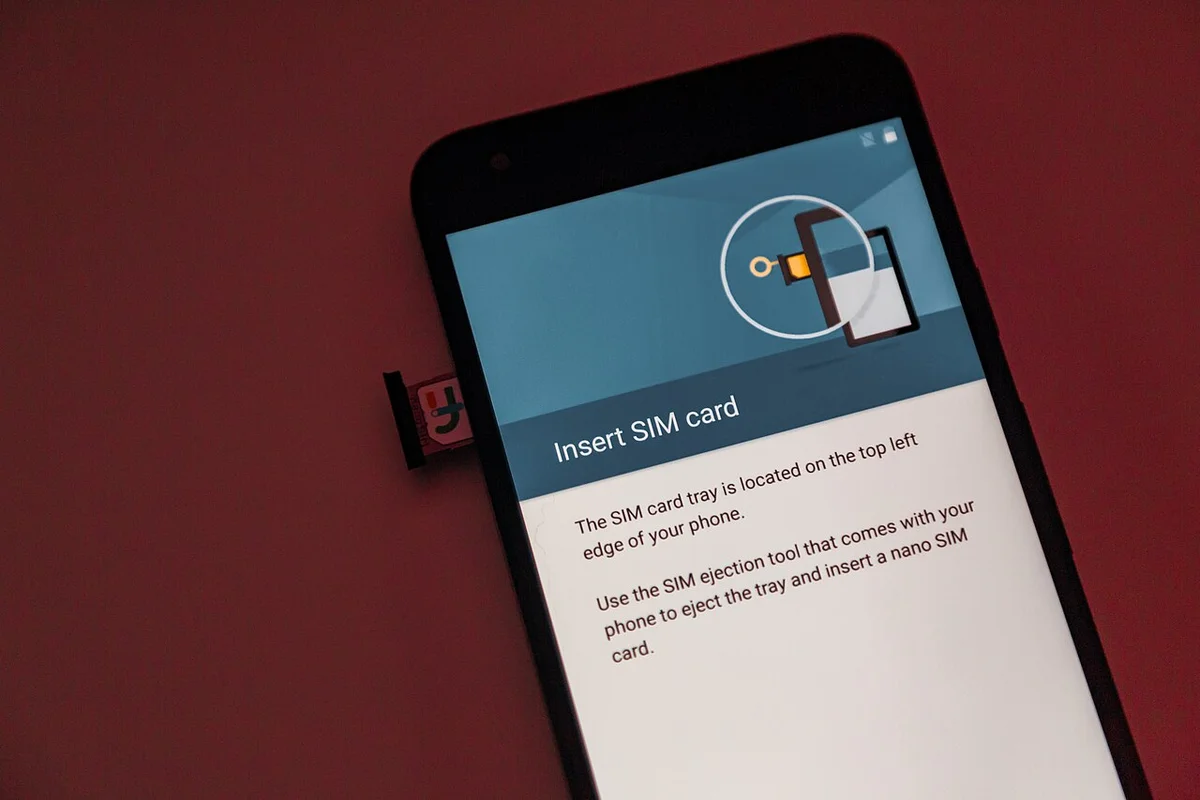
The option that has taken off in recent years is the travel eSIM. You buy it online, receive a QR code, scan it — and you're connected. No physical card to swap.
How it works: your phone connects to Chinese cell towers, but your data exits outside mainland China, e.g. in Hong Kong. That's how you get past the restrictions while in China.
From purchase to first use
What to check when choosing an eSIM
- 🔓 Does it clearly say you can use Google, WhatsApp, etc. in China without a VPN? (Some products simply resell a Chinese domestic connection)
- 📡 Does it allow hotspot / tethering? Essential if you're sharing with family
- 📅 When does the validity period start? At purchase, or at first connection?
- 📱 Does your phone support eSIM? iPhones from the XS onward do; Android depends on the model. Your phone also needs to be carrier-unlocked
🇨🇳 ③ A local Chinese SIM — for long stays, not recommended for short trips
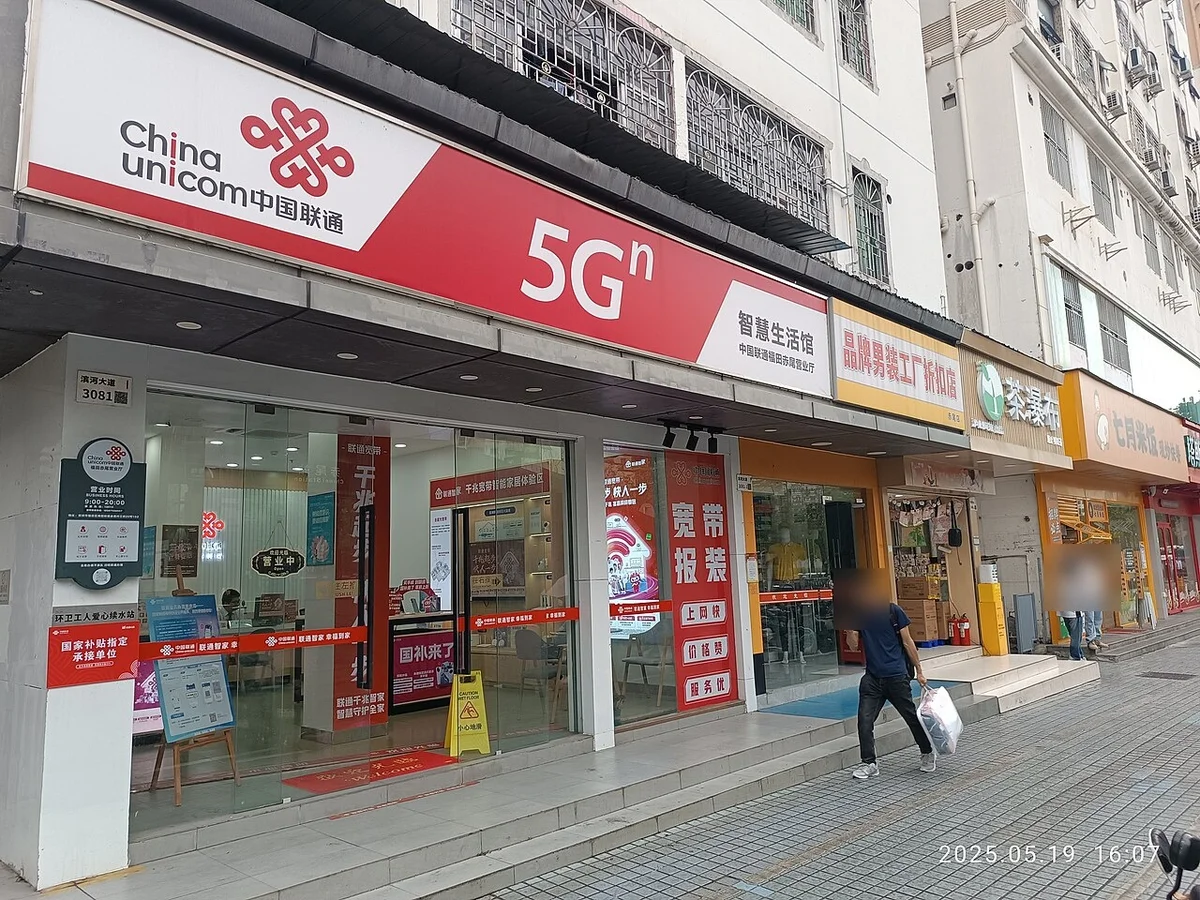
China has three mobile carriers: China Mobile, China Unicom and China Telecom. Their own stores are everywhere.
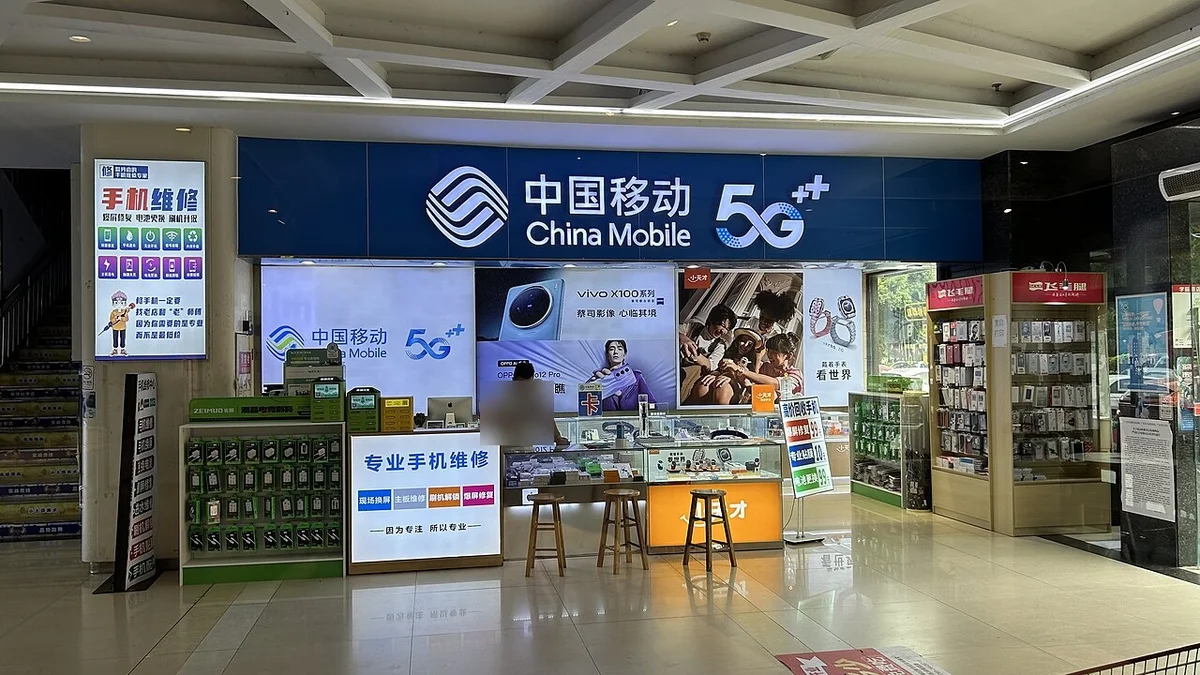
Honestly, I don't recommend a local SIM for short-term travelers, for three reasons.
Reason 1: you're fully behind the restrictions
A local SIM is a Chinese domestic connection. Google, WhatsApp and Instagram won't open. You'll need a VPN.
Reason 2: the paperwork
To get a SIM as a foreigner, you need real-name registration with your passport. It's mostly the carriers' main stores that handle this — small phone shops often turn you away — and you may be photographed at the counter.
Payment can also be awkward: some stores only accept Alipay or a Chinese bank account. You came to the store because you have no internet, and then paying requires internet.
Reason 3: you'll still have no internet when you land
Finding a store after you arrive, queuing, filling in forms… you'll likely spend the first hour or two in China without internet — no taxi apps, no maps.

🛫 ④ Hong Kong SIM / pocket Wi-Fi — strong in certain situations
Hong Kong SIM
Hong Kong's internet is separate from mainland China's and outside the Great Firewall. Prepaid SIMs from Hong Kong carriers that cover the mainland work as roaming when you're in mainland China, so they usually aren't affected by the restrictions.
It's a practical option if you're entering China via Hong Kong. If you take the high-speed train from Hong Kong into mainland China, you can pick one up on the Hong Kong side.
Pocket Wi-Fi rental
An old-school option that's still around. Its strengths: several people can share it, and you don't need to change any settings on your phone.
The downsides are carrying the device, charging it, returning it, the risk of losing it — and the price. For solo travelers, an eSIM is cheaper and lighter. It's worth considering for a family of four, or if you're not comfortable changing phone settings.
🎯 My recommendation by type of traveler
Here's my conclusion:
| You are… | Recommendation |
|---|---|
| 🧳 On a plan that includes decent data in China (trip of a week or less) | Just use roaming. No need to buy anything |
| 💼 On a plan that charges a daily pass | Daily fees × days add up. An eSIM is usually cheaper |
| 📅 Staying two weeks or more | An eSIM. Much cheaper than roaming for long stays |
| 👨👩👧 Traveling as a family or group | One eSIM with hotspot allowed, or a cheap eSIM for each person |
| 🏢 Expat, student or long-term resident | Local Chinese SIM + VPN. A Chinese phone number is essential |
| 🎥 Running social media or streaming | eSIM plus a VPN, so you're never stuck if one becomes unstable |
🛡️ So do you still need a VPN?
"If an eSIM gets me past the restrictions, do I even need a VPN?" — I get asked this a lot.
My answer: "Have one as a backup, separate from your main connection." Three reasons:
- 🏨 The moment you connect to hotel, café or airport Wi-Fi, you're back inside the restrictions. You can't avoid that, and there will always be times you want to use Wi-Fi
- 📉 Unrestricted access via eSIM or roaming isn't guaranteed. How the restrictions are enforced changes over time, and what worked last year may not work this year
- 🇨🇳 If you use a local SIM, you can't do anything without a VPN anyway
In other words, eSIM/roaming is "how you get a connection", and a VPN is "how you reliably get past the restrictions". They do different jobs, so having both means you won't get stuck.
I explain what to look for in a VPN and what to do when it stops connecting in How to Use Google, WhatsApp and Instagram in China — VPN Guide.
❓ FAQ
Q. Do I need a Chinese SIM to use Alipay or WeChat? A. No. You can sign up with your home phone number. You don't need a Chinese number. See How to Use Alipay in China as a Foreigner for the steps.
Q. Does an eSIM give me a phone number? A. Most travel eSIMs are data only, with no phone number. If you want to receive texts or calls on your home number, keep your home SIM active with "data off, calls and SMS on" (your carrier may charge for incoming calls).
Q. Are Hong Kong and Macao the same? A. For internet restrictions, they're different — no Great Firewall. But mobile plans often treat them as a separate zone from mainland China, so if you're visiting both, check that Hong Kong and Macao are covered.
Q. Will turning on data roaming automatically run up a huge bill? A. Not if you have a plan, pass or bundle that covers China. The danger is using data without one. Check before you leave, and turn off data on any SIM you're not using.
Q. Can I use Google Maps in China? A. With an unrestricted connection it will open, but its map data for mainland China isn't really usable (locations are offset, business info is out of date). Use a Chinese map app like Amap instead.
✅ Summary
- 🚦 In China, whether you're restricted depends on where your connection exits. Narrow your options down on this first
- 📶 If your home plan includes decent data in China, roaming is the easiest option for short trips
- ⏳ Check what your plan really includes — daily fees and slow "included" speeds are common catches
- 💳 Buy and set up an eSIM before you leave home. You can't buy one after you arrive without internet
- 🏨 eSIM and roaming only get you past the restrictions on mobile data. Join hotel Wi-Fi and you're back inside
- 🇨🇳 A local SIM is for long stays. It needs passport registration, and a VPN is essential
- 🛡️ Keep a VPN as a backup. Your connection and your VPN do different jobs
Getting online in China is nothing to fear if you prepare. If you don't, you could end up standing in the airport with no maps, no taxi app and no payments.
What you need to do is simple: check what your carrier offers in China, buy an eSIM if it's not enough, and keep a VPN as a backup. Do that, and you'll hardly ever have internet trouble in China.
Get ready and enjoy a smooth trip to China 😊
📚 Read next
- 🛡️ How to Use Google, WhatsApp and Instagram in China — VPN Guide — how to choose and set up the VPN I call "insurance" in this article
- 🎒 6 Things You Must Know Before Traveling to China — internet restrictions plus payments, toilets, plugs and more
- 💳 How to Use Alipay in China as a Foreigner — you can sign up with your home phone number. The most important preparation for a China trip
- 🛂 Arriving in China: The Complete Immigration Guide — the arrival process, and when you'll first need internet
- 🚄 How to Enter China from Hong Kong by High-Speed Train — if you're coming via Hong Kong, you can buy a SIM there
Information current as of October 2026. Carrier and eSIM prices and conditions change frequently — figures are approximate. Please check each provider's official site for the latest details.
Image credits: Wikimedia Commons — Futian, Shenzhen at night: Vikarna (CC BY-SA 4.0) / SIM card tray: Tony Webster (CC BY 2.0) / China Mobile store: 茅野ふたば (CC BY-SA 4.0) / China Unicom shop in Shenzhen: Haxyatamngu Luuo (CC0) / Shenzhen Bao'an International Airport arrivals hall: 颐园新居 (CC BY-SA 3.0)