
The regret I hear most often from people visiting China is this:
"I finally made it to China, and the restaurant I walked into was a dud."
I'm 4G (Yongji), a Japanese YouTuber living in Shenzhen, and I totally get it. Chinese cities have an enormous number of restaurants. One street can have dozens, and every sign is in Chinese. From the outside, it's impossible to tell which place is great and which one is a tourist trap 😵
At home you'd check Google Maps or Yelp reviews. But in China, Google Maps barely works. So what do you do? Every local checks the same app.
It's called Dianping (大众点评 / dàzhòng diǎnpíng).
In this guide I'll show you how foreign travelers can use Dianping — basically China's Yelp — to find great food 😊
In China, "search Google Maps" doesn't work
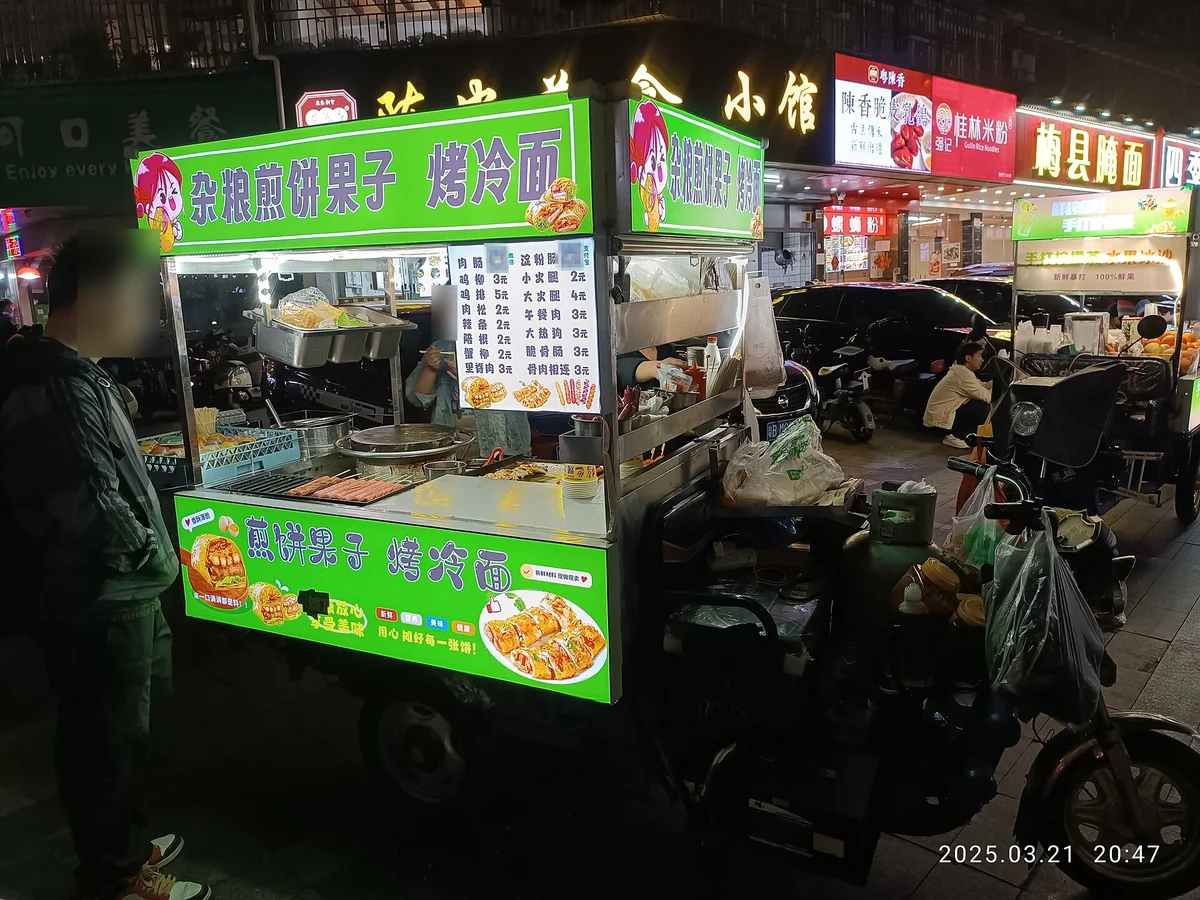
First, the background: the ways you'd normally find a restaurant mostly fail in China.
| What you'd do at home | In China |
|---|---|
| Check nearby places on Google Maps | ❌ Google is blocked (you need a VPN) |
| Look on Yelp or TripAdvisor | △ Only a handful of famous or tourist-oriented places, few reviews |
| Read a guidebook | △ Covers famous places, not the great local spots |
| Ask a local | △ Language barrier |
With a VPN you can open Google Maps, but it has almost no information on local Chinese restaurants — most listings have no opening hours, menus or reviews.
Meanwhile, almost every Chinese person checks Dianping before eating out. So nearly all the real, up-to-date information about Chinese restaurants lives inside Dianping.
💡 Why Google and many Western apps don't work in China, and what to do about it: How to Use Google, Instagram & WhatsApp in China.
What is Dianping (大众点评)?
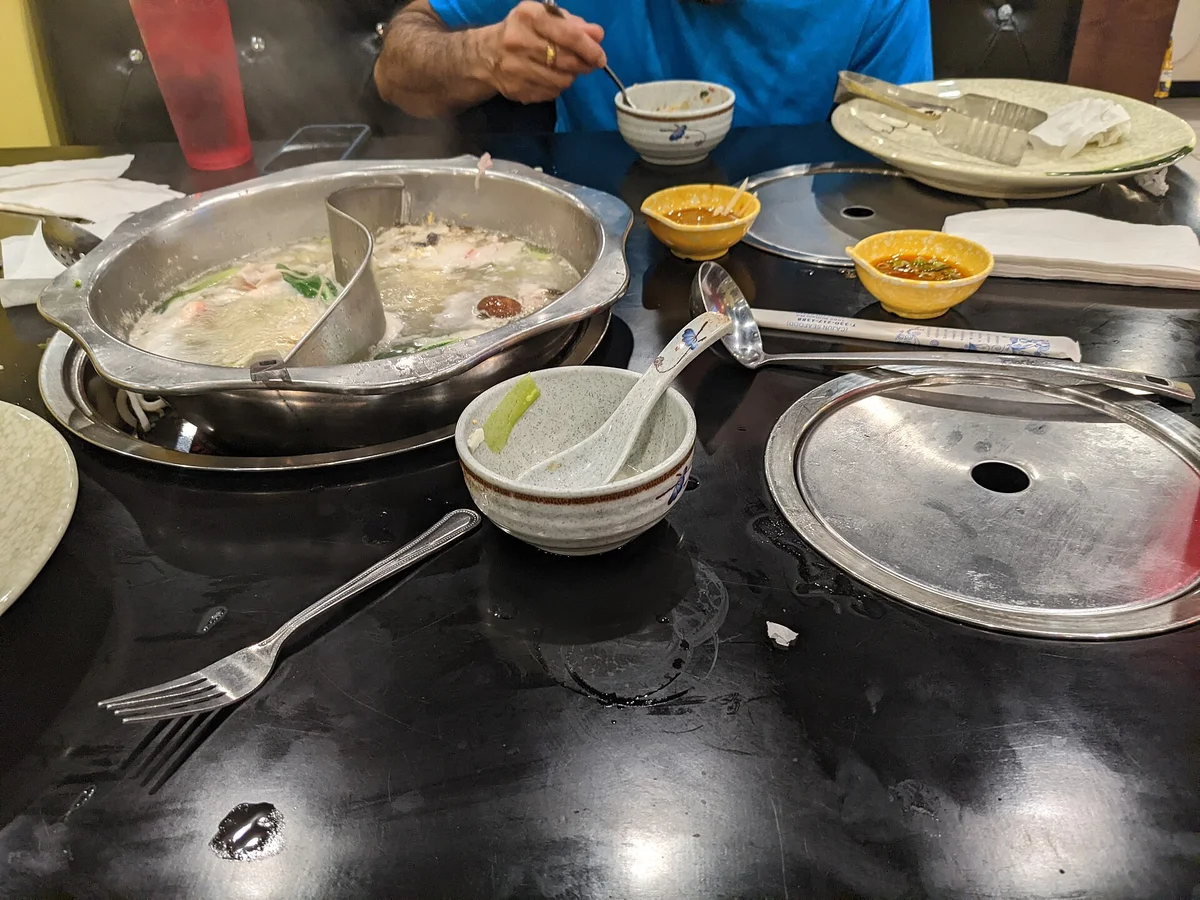
Dianping is one of China's biggest review and restaurant apps, founded in Shanghai in 2003. Today it's part of Meituan (美团), China's largest food-delivery company.
In short, it's like Yelp + Groupon for China.
The main things you can do:
- 🍜 Find nearby restaurants with ratings (the main use)
- 📸 See photos of dishes and interiors posted by users
- 💰 Buy vouchers (团购, group deals) to eat for less
- 💆 Find more than food (massage, hair salons, cinemas, hotels and more)
It's not just fancy restaurants. Small local diners, noodle shops and near-street-food places are listed and rated too — and that's what makes it so powerful.
In other words, you can instantly see which places around you locals actually rate highly. Traveling in China without knowing this is a real waste 😅
Can foreigners use it? How to install it
Yes, foreigners can use it. But there are a few things to know.
Dianping is built for Chinese users, so most content — restaurant names, menus, reviews — is in Chinese. Recent versions do have a language setting with English: tap "我的" (Me) at the bottom right → the menu (three lines) at the top right → "设置" (Settings) → "语言" (Language). This translates the app's menus, but reviews and listings stay mostly in Chinese. Don't worry — as I explain below, you can manage without reading Chinese.
There are three ways to get it:
You don't actually need an account
This is where many people get it wrong.
What travelers want to do — find restaurants, check ratings and photos, and decide whether to go — works without logging in 🎉
You only need an account if you want to:
| What you want to do | Login |
|---|---|
| Find nearby places and see ratings | ✅ Not needed |
| Read reviews and see food photos | ✅ Not needed |
| Look up address and opening hours | ✅ Not needed |
| Buy vouchers (团购) | ❌ Needed |
| Book a table | ❌ Needed |
| Post reviews or save favorites | ❌ Needed |
So if you just want to search, you can skip creating an account. That's 80% of the value for travelers, so there's no need to get stuck on sign-up.
If you do want to log in, WeChat is the safest bet
Officially, you can sign up with a foreign phone number by choosing your country code. In practice, Dianping is built around Chinese (+86) numbers, and results with foreign numbers vary: some people get in, others find the SMS code never arrives or they get stuck after it. Don't count on it ⚠️
The reliable way is logging in with your WeChat (微信) account. Choose the WeChat icon on the login screen and approve the link — no SMS verification needed. That's what I always recommend to friends visiting China.
Also, even if you can log in, don't count on booking a table. When you try to reserve, you're often asked for a mainland Chinese phone number, which foreigners usually can't get around. If there's a place you really want to book, asking your hotel's front desk is the realistic option 🏨
And don't forget location permission. Dianping is all about "places near you", so it's nearly useless without location access. Always allow it when asked 📍
How to find a restaurant
Once it's installed, it's simple:
💡 The copied address is perfect for DiDi, China's ride-hailing app — you can get a car without speaking Chinese.
How to read the ratings — what score means "good"?
This is the most important part of this guide.
Dianping ratings are out of 5, but they don't work like ratings at home. Read them with a "4 stars is just okay" mindset and you'll misjudge places ⚠️
From my experience, here's a rough guide:
| Score | What it means |
|---|---|
| 4.5 or higher | Very popular. Almost never disappoints. Expect a line |
| 4.0–4.4 | Solidly good. A safe choice |
| 3.5–3.9 | Fine, nothing special. Good for just filling up |
| Under 3.5 | Better to skip |
So the basic strategy is "pick a place rated 4.0 or higher and you'll rarely go wrong."
Two numbers to always check alongside the score
① Number of reviews
Don't look at the score alone. A place with 3,000 reviews and 4.4 is far more trustworthy than one with 10 reviews and 4.8. A high score from only a few reviews could be friends and family, or a place that just opened.
② 人均 (rénjūn) — price per person
You'll see something like "人均 ¥85" on the listing. That's the average spend per person, not per table. Misread it and the bill will surprise you 💸
Rough price levels in Chinese cities:
- Local diners and noodle shops: 人均 20–40 yuan (about US$3–6)
- Regular restaurants: 人均 60–120 yuan (about US$8–17)
The 人均 tells you instantly whether a place fits your budget.
The sub-scores help too
A restaurant's page also breaks the score down into:
- 口味 (kǒuwèi) = taste
- 环境 (huánjìng) = atmosphere and cleanliness
- 服务 (fúwù) = service
So "great taste, low 环境 score" means delicious but not very clean 😅 If you want a tidy, relaxed place, check the 环境 score too.
Not sure? Use the Must-Eat List (必吃榜)
Too lazy to check scores one by one? There's a great shortcut.
It's the 必吃榜 (bì chī bǎng) — the "Must-Eat List".
Meituan and Dianping publish it every year, choosing restaurants city by city based on real usage data and ratings. Think of it as something like the Michelin Bib Gourmand.
- ✅ Focused on places locals actually go, not tourist spots
- ✅ Organized by city and by cuisine
- ✅ Tells you what you "must eat" in that city
When I'm in a city for the first time and don't know what to eat, I open the Must-Eat List first. Choose from it and your chances of a bad meal drop a lot 👍
For something more upscale, there's also the 黑珍珠餐厅指南 (Black Pearl Restaurant Guide), often called Dianping's version of the Michelin Guide. Great for a special dinner 🍷
Why you can manage without reading Chinese
"If everything's in Chinese, how can I use it?" Fair question. But Dianping is surprisingly usable even if you can't read Chinese, for three reasons.
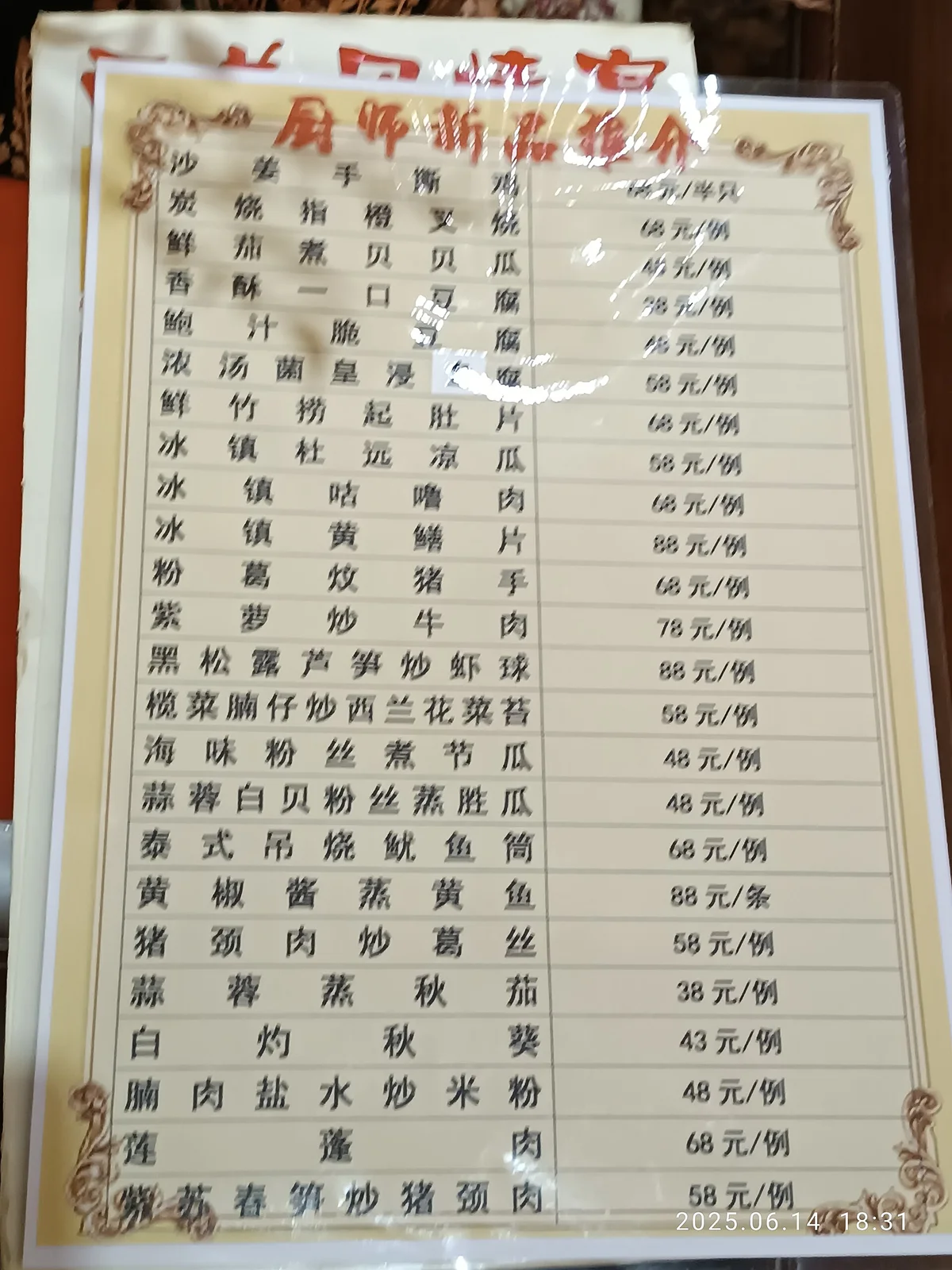
① Numbers are universal
Rating, number of reviews, price per person, distance. Almost everything you need to decide is a number, which you can read without any Chinese.
② There are tons of photos
Dianping is packed with user photos of dishes and interiors. Open a restaurant's photo tab and you'll see:
- What the dishes look like
- Whether the place is clean
- How big the portions really are
Being able to decide from photos alone is a huge help for foreigners 📸
The photos also help when ordering. Screenshot the popular dishes and show them to the staff — that's all it takes to say "I'd like this."
③ A translation app fills the gaps
For names and reviews you want to understand, point a translation app's camera at the screen or copy the text into it. Dish names like "牛肉面" (beef noodles) or "小笼包" (soup dumplings) translate well. For dealing with Chinese menus once you're inside, see How to Order with a QR Code in Chinese Restaurants.
⚠️ Don't worry about vouchers (团购)
Dianping has a voucher feature called 团购 (tuángòu). You buy a set-menu voucher in advance and eat for less than the menu price. Chinese users use it a lot.
But there's a hurdle for foreign travelers:
Payments with a foreign credit card linked to your wallet sometimes get rejected when buying these vouchers ⚠️
This isn't just Dianping — it happens widely with in-app payments in China using foreign-issued cards. People around me often say "I got stuck at the payment step."
That's completely fine.
If you can't buy a voucher, just go to the restaurant, order normally and pay normally. You'll pay the full price and might miss out on a few dozen yuan, but that's all. The real value of Dianping is finding the restaurant — think of vouchers as a bonus 😊
Paying at the restaurant itself works almost everywhere once you have Alipay set up.
💡 Setting up Alipay and linking your own credit card is explained step by step in How to Use Alipay in China as a Foreigner.
Tips from actually using it
Finally, some things I've learned:
⚠️ Ratings right in the middle of tourist spots are less reliable
Places with high turnover and no regulars can have scores that don't reflect the food. Restaurants one or two streets back from the tourist area tend to have scores that match their quality.
⚠️ High-rated places mean lines
Popular places rated 4.5+ can easily have an hour's wait at peak times on weekends. Chinese restaurants usually use a 排队 (páiduì) queue-number system — get a number from the machine at the entrance or ask the staff. Going outside peak hours also helps ⏰
⚠️ Don't count on reservations
As mentioned, booking through the app usually asks for a mainland Chinese phone number, so it basically doesn't work for foreign travelers. Your options are wait in line, go at a different time, or ask your hotel's front desk to call.
⚠️ No internet, no Dianping
Obviously, Dianping is online-only. Make sure your phone has a working data connection in China 📶
Summary
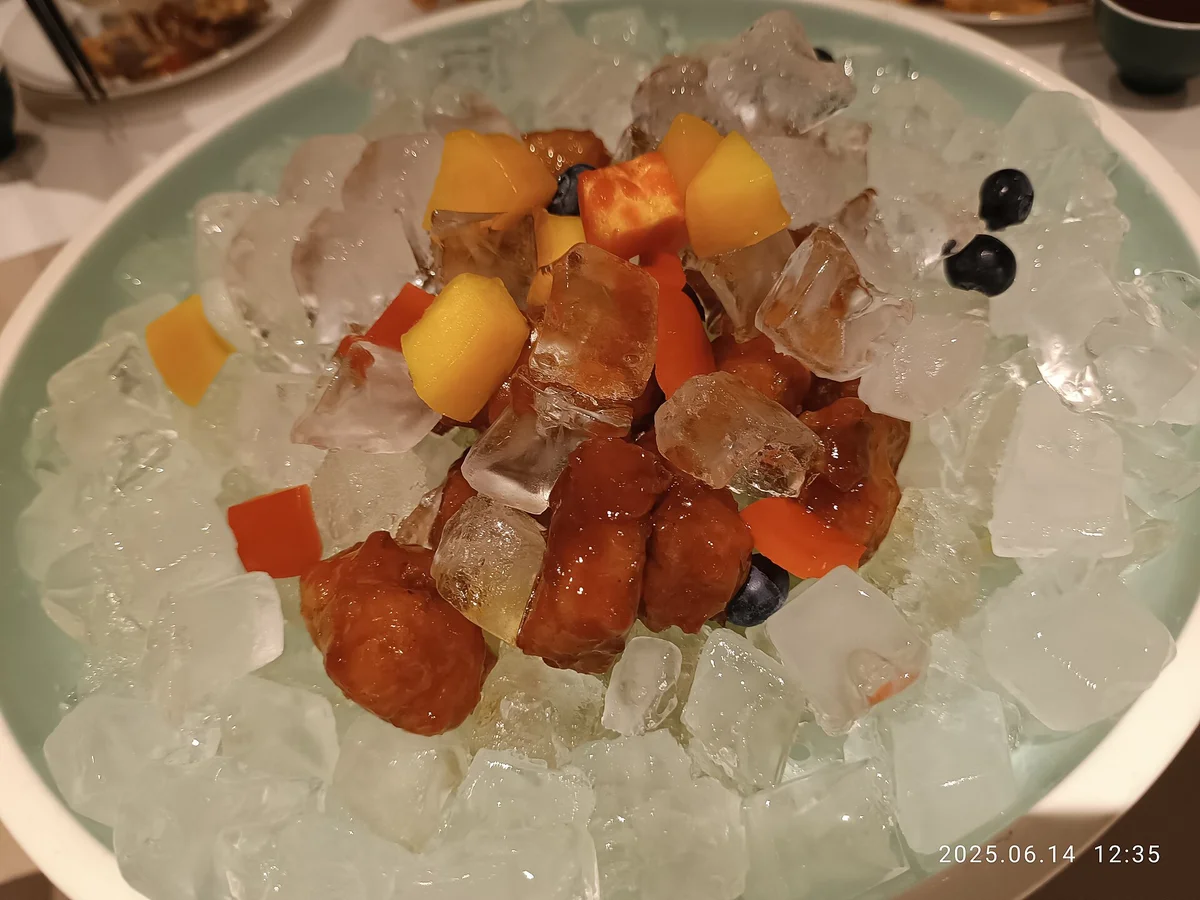
Key points on using Dianping:
- In China, Google Maps and Yelp won't help. Restaurant information lives on Dianping
- On iPhone, get "大众点评" from the App Store; on Android, the WeChat mini program is the practical choice
- No account needed just to search. Foreign-number sign-up is hit-and-miss — use WeChat login if you need one
- Always allow location access (otherwise you won't see nearby places)
- Out of 5, 4.0+ is the safe line and 4.5+ means very popular
- Always check the number of reviews and 人均 (price per person) alongside the score
- Not sure? Pick from the Must-Eat List (必吃榜)
- You can decide from photos and numbers, so you don't need to read Chinese
- Vouchers (团购) are optional — just pay normally at the restaurant
China is a country with truly amazing food as long as you choose the right places. It's such a shame when someone walks into a random place, gets disappointed and goes home thinking "Chinese food isn't that good" 😢
Just having Dianping on your phone will make your meals on the trip so much better. Set it up before you fly 🥢
📚 Read next
Once you can "find" a place, next comes "order", "pay" and "get there":
- How to Order with a QR Code in Chinese Restaurants — what to do after you sit down: ordering and paying
- How to Use Alipay in China as a Foreigner — the foundation for paying in China
- How to Use DiDi in China as a Foreigner — get to the restaurant without speaking Chinese
- 30 Useful Chinese Phrases for Travelers — the Chinese you'll use from walking in to paying the bill
- How to Set Up WeChat Pay as a Foreigner — a second way to pay, as a backup if Alipay doesn't go through
Information current as of October 2026. App menus and features change often — check the app for the latest.
Image credits: Wikimedia Commons — shopping street in Guangzhou: Daniel Lu (CC BY-SA 4.0) / night food stalls: MiaMOOA Mukazz (CC0) / paper menu: MeiOLA 2290 WMENSZ (CC0) / hot pot: 3steph14 (CC BY-SA 4.0) / Cantonese dish: MeiOLA 2290 WMENSZ (CC0)